
Short answer
To install 1password-beta on Omarchy, open a terminal and run omarchy pkg add 1password-beta. It is a 208.2 MB download (607.3 MB installed), version 8.12.42_34.BETA-1, licensed LicenseRef-1Password-Proprietary. Password manager and secure wallet. Same 1Password subscription plans as the stable app.
Install 1password-beta on Omarchy
1password-beta packages the pre-release beta build of the 1Password desktop app, so users can try new features and fixes before they reach the stable channel. It is the same encrypted password, passkey, and secrets vault as regular 1Password, just built from a newer, less-tested release track.
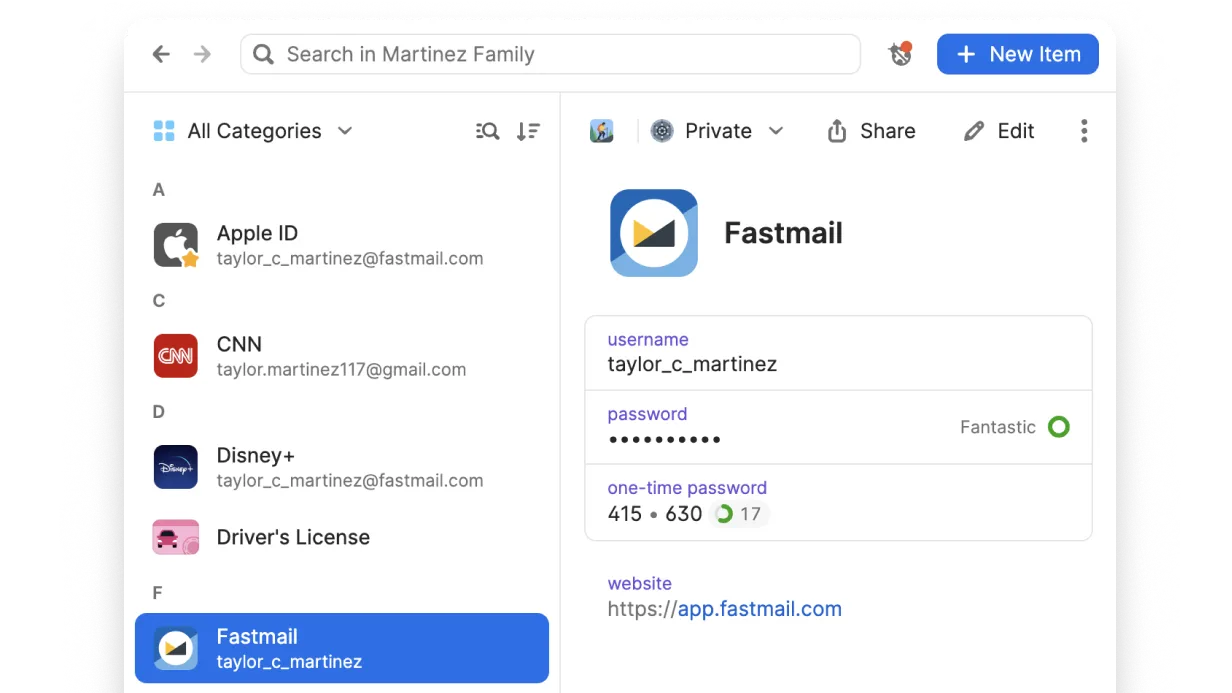
Image loaded from the upstream project · source ↗
- Open a terminal.
- Run the install command:
omarchy pkg add 1password-beta - Check it landed. Pacman should list version 8.12.42_34.BETA-1:
pacman -Qi 1password-beta
Open and use 1password-beta
1password-beta is a desktop app. Press Super + Space to open the launcher and search for it. If it does not show up by name, list the desktop entries the package installed:
pacman -Ql 1password-beta | grep applications1password-beta requirements and compatibility
- a 1Password account (paid subscription) to store and sync vault data
- network access to sync vaults
- tolerance for pre-release bugs since this is the beta channel
Dependencies Omarchy installs for you
hicolor-icon-themelibgtk-3.sonssxdg-utils
Pricing and license
Same 1Password subscription plans as the stable app. License: LicenseRef-1Password-Proprietary.
Uninstall 1password-beta
omarchy pkg drop 1password-beta1password-beta package facts
| Package | 1password-beta |
|---|---|
| Version | 8.12.42_34.BETA-1 |
| Category | Security & Privacy |
| License | LicenseRef-1Password-Proprietary |
| Download | 208.2 MB |
| Installed size | 607.3 MB |
| Built | 2026-10-13 |
| Pricing | Same 1Password subscription plans as the stable app |
| Made by | 1Password |
Frequently asked questions
How do I install 1password-beta on Omarchy?
Open a terminal and run omarchy pkg add 1password-beta. The download is 208.2 MB and it takes 607.3 MB once installed. Omarchy pulls in any dependencies automatically.
Is 1password-beta free?
Same 1Password subscription plans as the stable app. The package is licensed LicenseRef-1Password-Proprietary.
How do I uninstall 1password-beta?
Run omarchy pkg drop 1password-beta. It removes the package from your system.
What does 1password-beta depend on?
The package declares 4 dependencies: hicolor-icon-theme, libgtk-3.so, nss, xdg-utils. Omarchy installs them for you.
Is 1password-beta a desktop app?
Yes. Open the launcher with Super + Space and search for 1password-beta.
Is 1password-beta in the official Omarchy repo?
Yes. It is published as 1password-beta (version 8.12.42_34.BETA-1) in the official Omarchy package repository. 1Password makes it. Project site: https://1password.com. This site is unofficial: an independent community project, not affiliated with or endorsed by Omacom or David Heinemeier Hansson. Built with David's blessing.