
Short answer
To install omacalc on Omarchy, open a terminal and run omarchy pkg add omacalc. It is a 133.9 KB download (304.2 KB installed), version 0.3.1-1, licensed MIT, OFL-1.1. Dead-simple calculator built with Qt Quick. Free and open source.
Install omacalc on Omarchy
Omacalc is a minimal calculator app built with Qt Quick and C++, made for the Omarchy desktop. It handles standard arithmetic with proper operator precedence, decimals, percentages, and sign toggling, showing your typed expression above the result so you can double-check your input. It automatically follows your system's Omarchy theme and light/dark mode, and supports full keyboard entry.
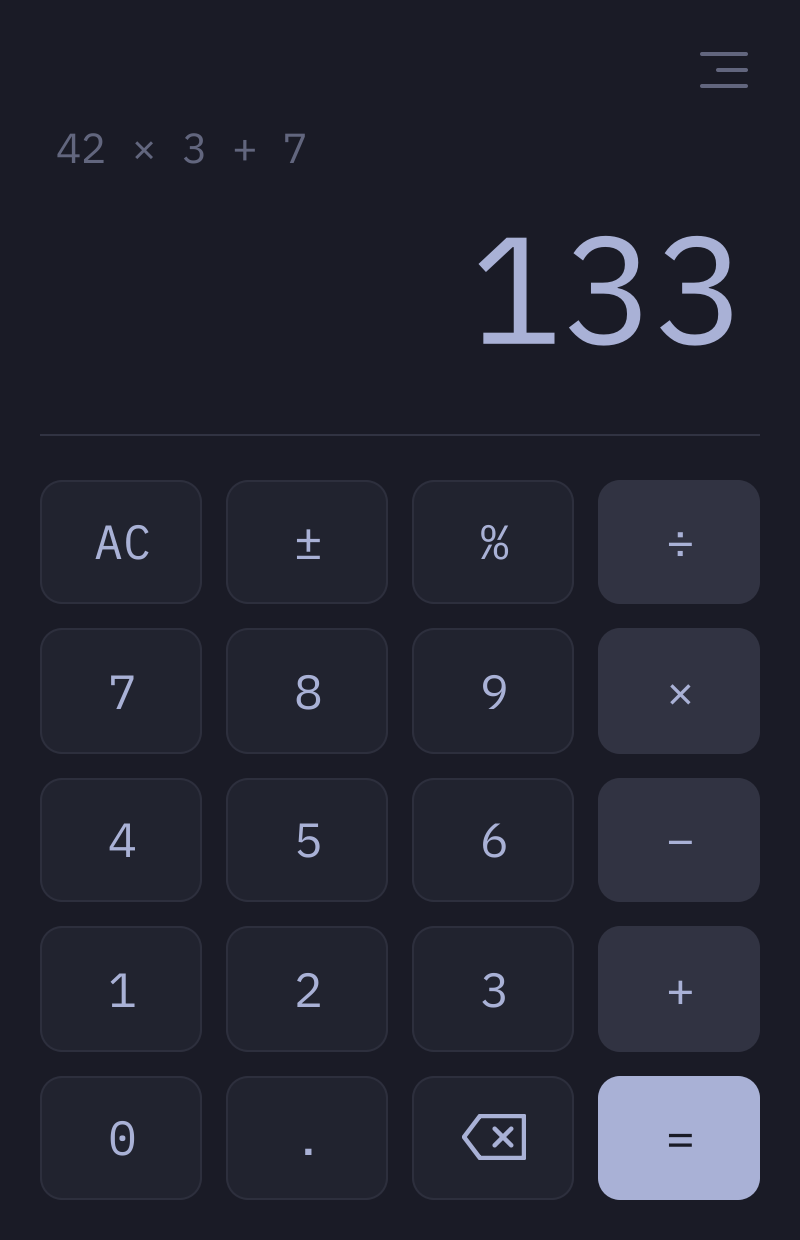
Image loaded from the upstream project · source ↗
- Open a terminal.
- Run the install command:
omarchy pkg add omacalc - Check it landed. Pacman should list version 0.3.1-1:
pacman -Qi omacalc
Open and use omacalc
omacalc is a desktop app. Press Super + Space to open the launcher and search for it. If it does not show up by name, list the desktop entries the package installed:
pacman -Ql omacalc | grep applicationsomacalc requirements and compatibility
- xdg-desktop-portal with a backend
Dependencies Omarchy installs for you
hicolor-icon-themeqt6-baseqt6-declarativexdg-desktop-portal
Pricing and license
Free and open source. License: MIT, OFL-1.1.
Uninstall omacalc
omarchy pkg drop omacalcomacalc package facts
| Package | omacalc |
|---|---|
| Version | 0.3.1-1 |
| Category | Utilities |
| License | MIT, OFL-1.1 |
| Download | 133.9 KB |
| Installed size | 304.2 KB |
| Built | 2026-10-14 |
| Pricing | Free and open source |
| Made by | Omacom |
Frequently asked questions
How do I install omacalc on Omarchy?
Open a terminal and run omarchy pkg add omacalc. The download is 133.9 KB and it takes 304.2 KB once installed. Omarchy pulls in any dependencies automatically.
Is omacalc free?
Free and open source. The package is licensed MIT, OFL-1.1.
How do I uninstall omacalc?
Run omarchy pkg drop omacalc. It removes the package from your system.
What does omacalc depend on?
The package declares 4 dependencies: hicolor-icon-theme, qt6-base, qt6-declarative, xdg-desktop-portal. Omarchy installs them for you.
Is omacalc a desktop app?
Yes. Open the launcher with Super + Space and search for omacalc.
Is omacalc in the official Omarchy repo?
Yes. It is published as omacalc (version 0.3.1-1) in the official Omarchy package repository. Omacom makes it. Project site: https://github.com/omacom-io/omacalc. This site is unofficial: an independent community project, not affiliated with or endorsed by Omacom or David Heinemeier Hansson. Built with David's blessing.