
Short answer
To install visual-studio-code on Omarchy, open a terminal and run omarchy pkg add visual-studio-code-bin. It is a 327.4 MB download (1 GB installed), version 1.142.0-1, licensed custom: commercial. Visual Studio Code (vscode): Editor for building and debugging modern web and cloud applications (official binary version). Free to use (Free binary; Microsoft's own build under a proprietary (non-OSS) license, distinct from the open-source Code - OSS project).
Install visual-studio-code on Omarchy
Visual Studio Code is a free code editor from Microsoft with built-in debugging, Git integration, an integrated terminal, and IntelliSense completions, extendable through a marketplace of tens of thousands of extensions covering nearly every language and framework. Recent versions add AI coding agents that can plan and carry out multi-step edits, run commands, and iterate, on top of the traditional editing experience.
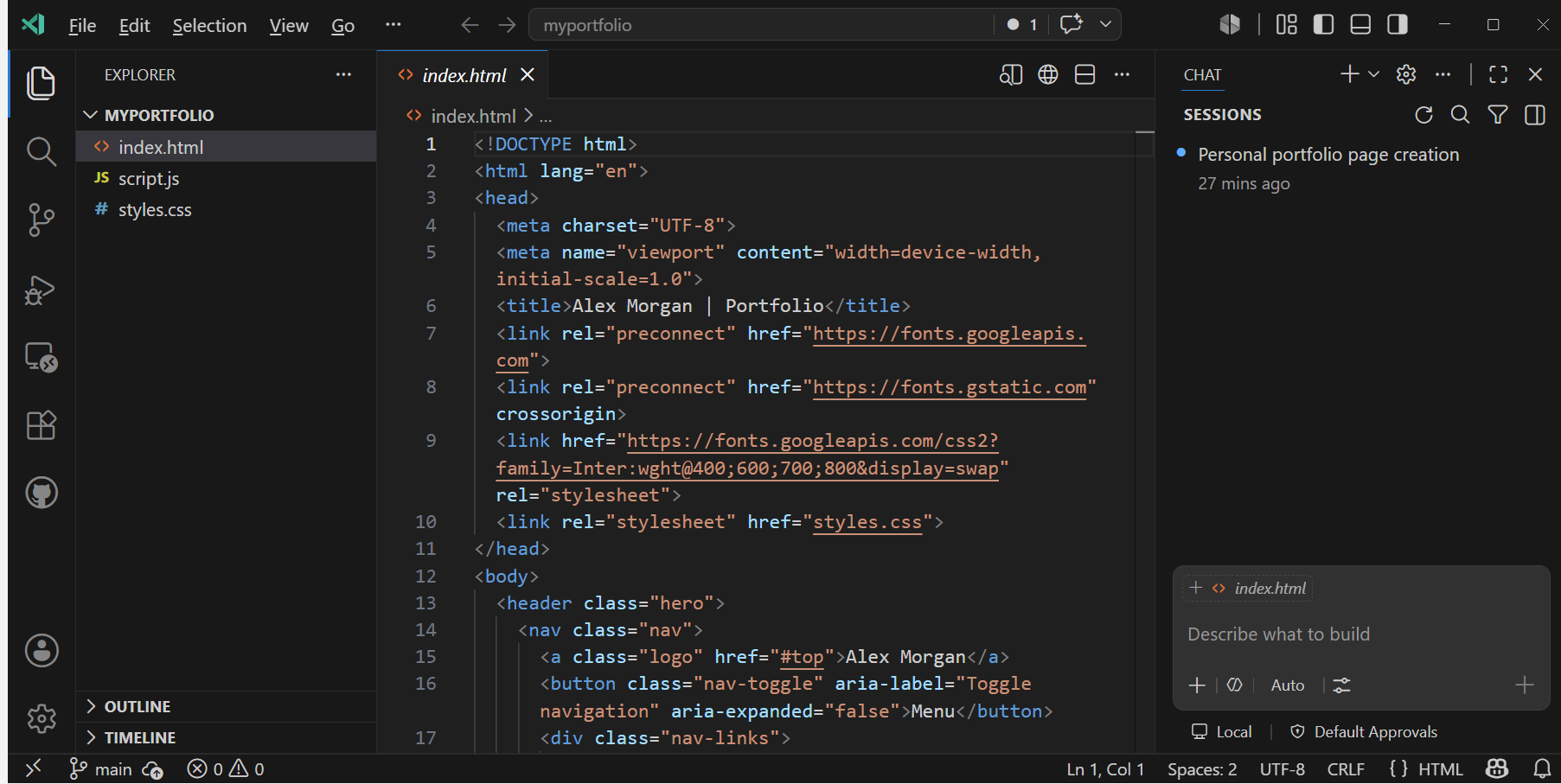
Image loaded from the upstream project · source ↗
Watch: Learn Visual Studio Code in 15 minutes: 2026 Official Beginner Tutorial ↗
- Open a terminal.
- Run the install command:
omarchy pkg add visual-studio-code-bin - Check it landed. Pacman should list version 1.142.0-1:
pacman -Qi visual-studio-code-bin
Open and use visual-studio-code
visual-studio-code is a desktop app. Press Super + Space to open the launcher and search for it. If it does not show up by name, list the desktop entries the package installed:
pacman -Ql visual-studio-code-bin | grep applicationsvisual-studio-code requirements and compatibility
- A GitHub account to use the built-in AI agent features
Dependencies Omarchy installs for you
libxkbfilegnupggtk3libsecretnssgcc-libslibnotifylibxssglibclsofshared-mime-infoxdg-utils
Pricing and license
Free to use (Free binary; Microsoft's own build under a proprietary (non-OSS) license, distinct from the open-source Code - OSS project). License: custom: commercial.
Uninstall visual-studio-code
omarchy pkg drop visual-studio-code-binvisual-studio-code package facts
| Package | visual-studio-code-bin |
|---|---|
| Version | 1.142.0-1 |
| Category | Developer Tools |
| License | custom: commercial |
| Download | 327.4 MB |
| Installed size | 1 GB |
| Built | 2026-10-15 |
| Pricing | Free to use (Free binary; Microsoft's own build under a proprietary (non-OSS) license, distinct from the open-source Code - OSS project) |
| Made by | Microsoft |
Frequently asked questions
How do I install visual-studio-code on Omarchy?
Open a terminal and run omarchy pkg add visual-studio-code-bin. The download is 327.4 MB and it takes 1 GB once installed. Omarchy pulls in any dependencies automatically.
Is visual-studio-code free?
Free to use (Free binary; Microsoft's own build under a proprietary (non-OSS) license, distinct from the open-source Code - OSS project). The package is licensed custom: commercial.
How do I uninstall visual-studio-code?
Run omarchy pkg drop visual-studio-code-bin. It removes the package from your system.
What does visual-studio-code depend on?
The package declares 13 dependencies: libxkbfile, gnupg, gtk3, libsecret, nss, gcc-libs, libnotify, libxss, glibc, lsof, shared-mime-info, xdg-utils and more. Omarchy installs them for you.
Is visual-studio-code a desktop app?
Yes. Open the launcher with Super + Space and search for visual-studio-code.
Is visual-studio-code in the official Omarchy repo?
Yes. It is published as visual-studio-code-bin (version 1.142.0-1) in the official Omarchy package repository. Microsoft makes it. Project site: https://code.visualstudio.com/. This site is unofficial: an independent community project, not affiliated with or endorsed by Omacom or David Heinemeier Hansson. Built with David's blessing.