
Short answer
To install lmstudio on Omarchy, open a terminal and run omarchy pkg add lmstudio. It is a 1 GB download (1.1 GB installed), version 0.3.35.1-1, licensed LicenseRef-EULA. Discover, download, and run local LLMs. Free to use (free for personal and commercial use, no premium tiers).
Install lmstudio on Omarchy
LM Studio is a desktop app for browsing, downloading, and running large language models locally, so your prompts and data never leave your computer. It offers a ChatGPT-style chat interface with threads and folders, an OpenAI-compatible local API server for developers, and a model browser that pulls open models from Hugging Face. It can also connect out to larger cloud models when you want them, but local, offline inference is the core pitch.
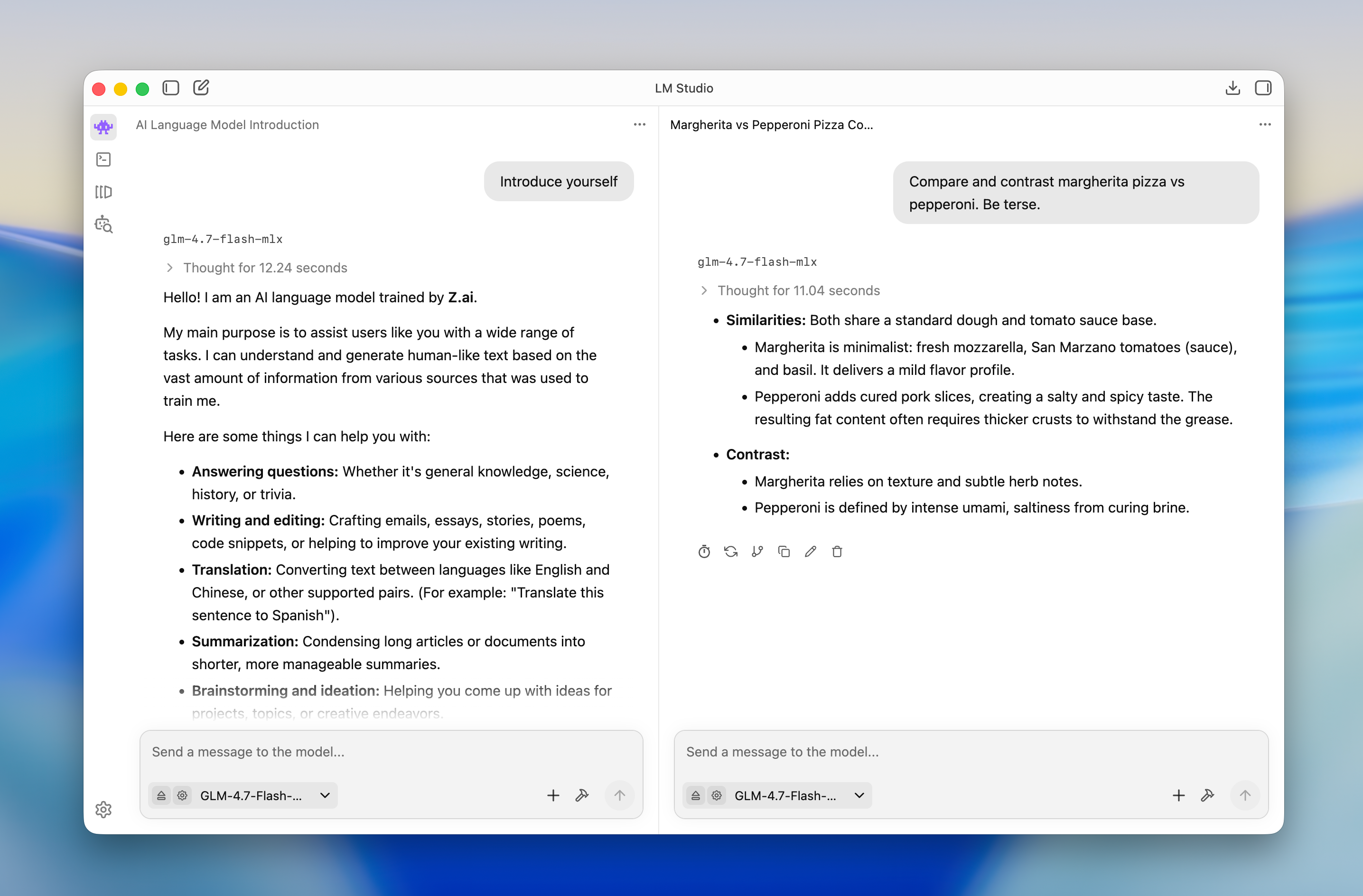
Image loaded from the upstream project · source ↗
Watch: Getting started with LM Studio (100% private local AI) ↗
- Open a terminal.
- Run the install command:
omarchy pkg add lmstudio - Check it landed. Pacman should list version 0.3.35.1-1:
pacman -Qi lmstudio
Open and use lmstudio
lmstudio is a desktop app. Press Super + Space to open the launcher and search for it. If it does not show up by name, list the desktop entries the package installed:
pacman -Ql lmstudio | grep applicationslmstudio requirements and compatibility
- Enough disk space and RAM/VRAM to hold whichever local model you download
- A capable GPU (or Apple Silicon) speeds up inference but is not strictly required
- Network access only when browsing or downloading models from Hugging Face; runs fully offline afterward
Dependencies Omarchy installs for you
zlibhicolor-icon-themefuse2clblast
Pricing and license
Free to use (free for personal and commercial use, no premium tiers). License: LicenseRef-EULA.
Uninstall lmstudio
omarchy pkg drop lmstudiolmstudio package facts
| Package | lmstudio |
|---|---|
| Version | 0.3.35.1-1 |
| Category | AI & Agents |
| License | LicenseRef-EULA |
| Download | 1 GB |
| Installed size | 1.1 GB |
| Built | 2025-12-15 |
| Pricing | Free to use (free for personal and commercial use, no premium tiers) |
| Made by | LM Studio |
Frequently asked questions
How do I install lmstudio on Omarchy?
Open a terminal and run omarchy pkg add lmstudio. The download is 1 GB and it takes 1.1 GB once installed. Omarchy pulls in any dependencies automatically.
Is lmstudio free?
Free to use (free for personal and commercial use, no premium tiers). The package is licensed LicenseRef-EULA.
How do I uninstall lmstudio?
Run omarchy pkg drop lmstudio. It removes the package from your system.
What does lmstudio depend on?
The package declares 4 dependencies: zlib, hicolor-icon-theme, fuse2, clblast. Omarchy installs them for you.
Is lmstudio a desktop app?
Yes. Open the launcher with Super + Space and search for lmstudio.
Is lmstudio in the official Omarchy repo?
Yes. It is published as lmstudio (version 0.3.35.1-1) in the official Omarchy package repository. LM Studio makes it. Project site: https://lmstudio.ai/. This site is unofficial: an independent community project, not affiliated with or endorsed by Omacom or David Heinemeier Hansson. Built with David's blessing.