
Utilities · version 0.4.3-1
flea
Flea is a native file manager built specifically for the Omarchy Hyprland desktop, pairing a Rust backend with a Quickshell frontend rather than extending an…
Project screenshots
Loaded from the upstream project · View upstream source ↗
What is the flea file manager?
Flea is a GUI file manager built for Omarchy. It has four views, Quick Look previews on Space, undoable file operations, and vim, Mac or Windows style keys. To install it and make it your default file manager, run:
omarchy pkg add flea && flea --defaultTo try it without changing your defaults, run only omarchy pkg add flea.
What does flea do?
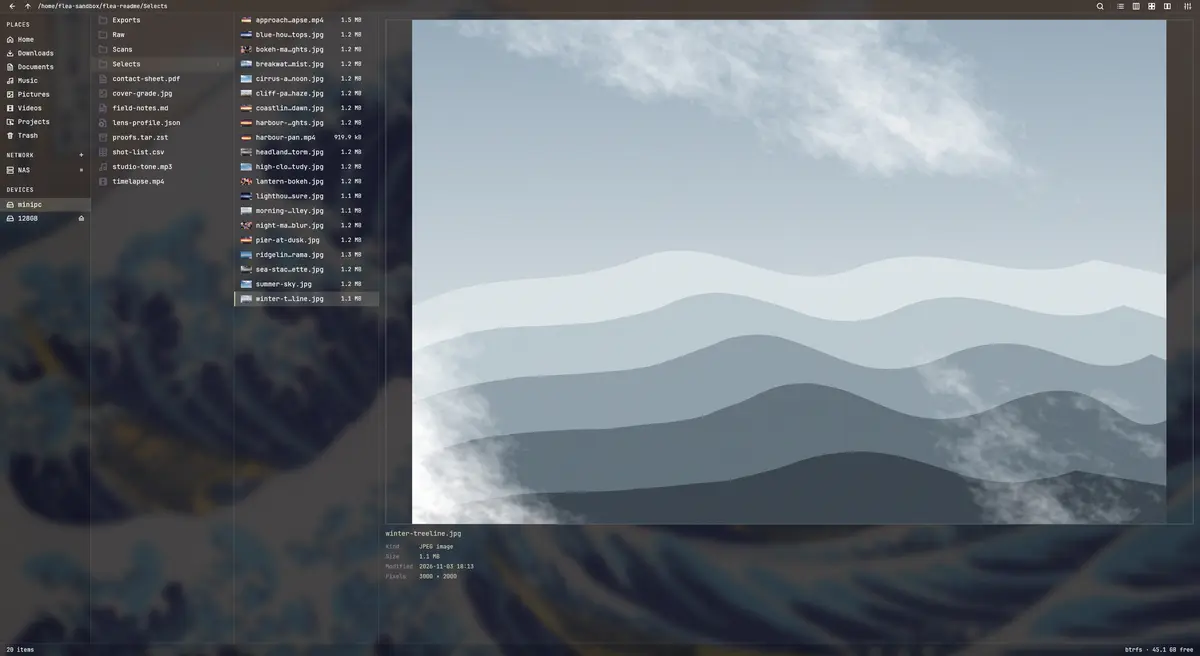
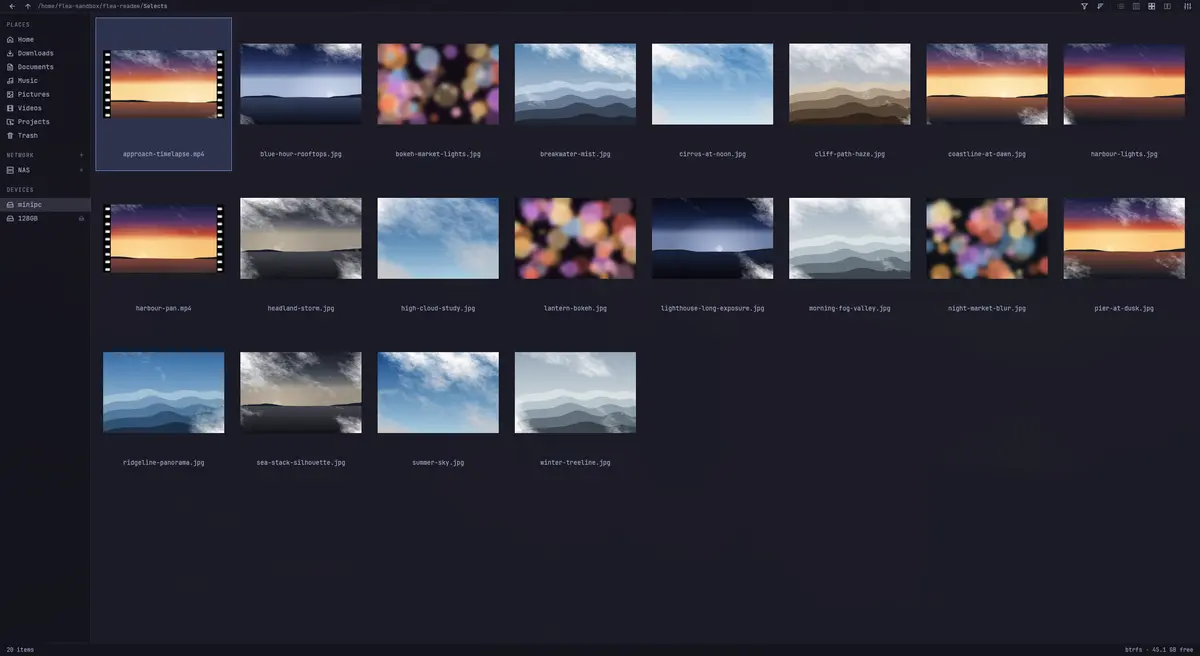
- Four views. List, columns, grid and two panes, with tabs. Flea can remember the view for each folder.
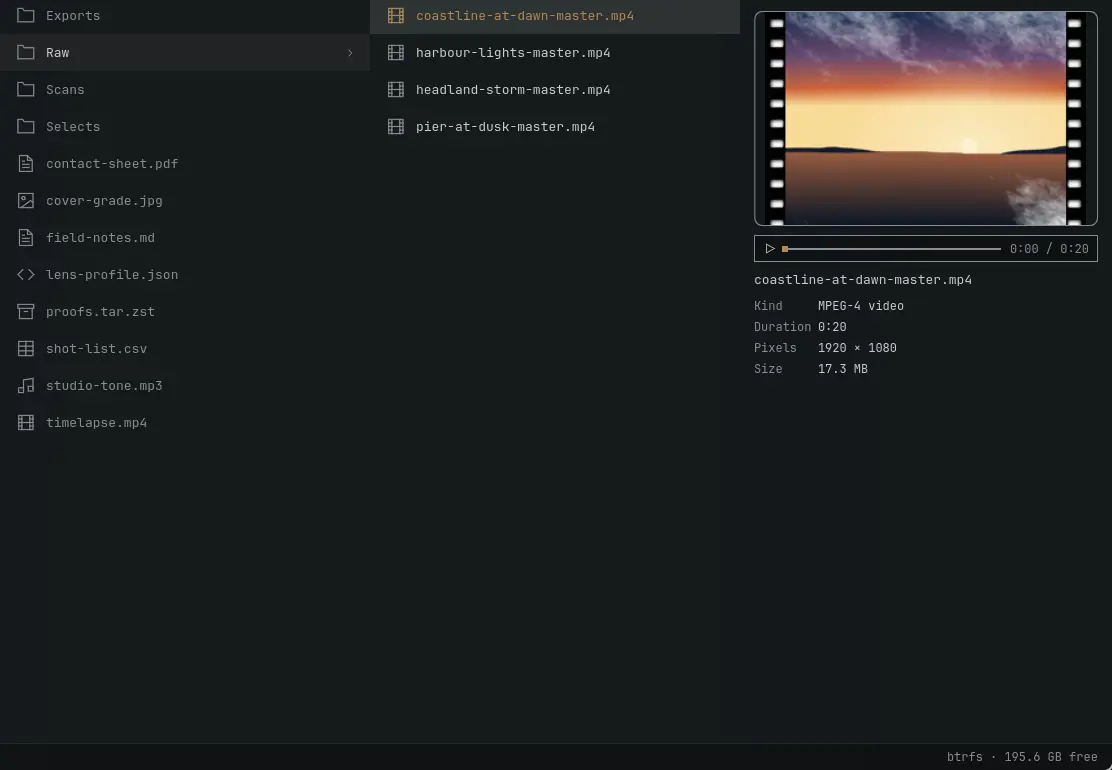
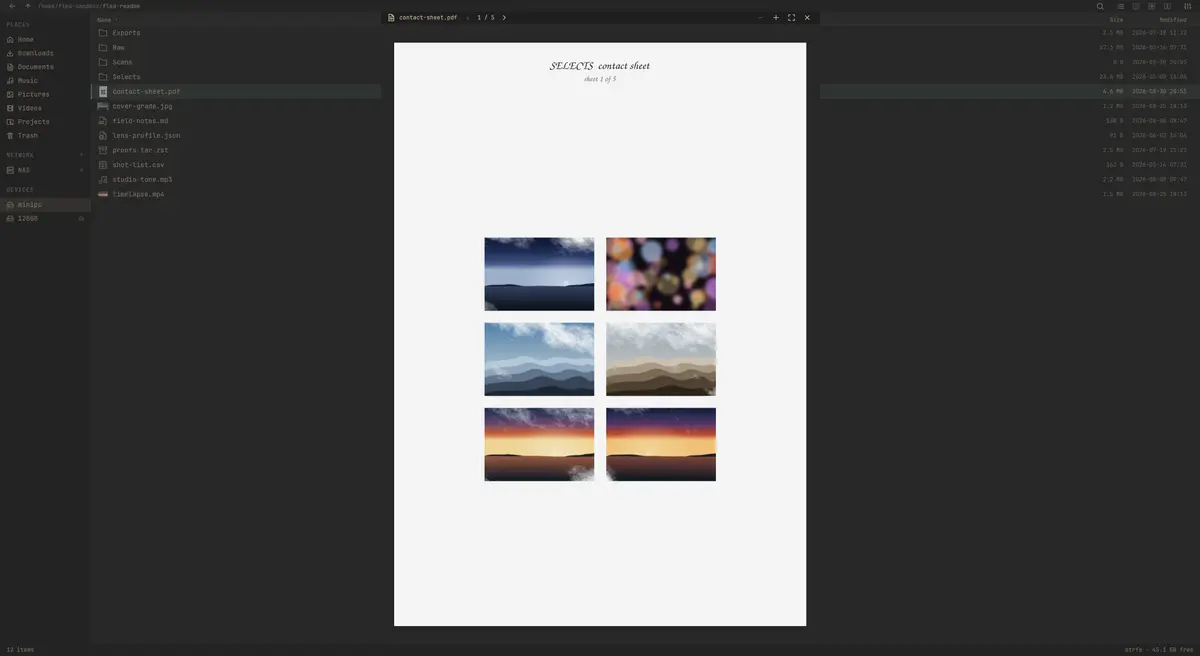
- Quick Look. Press Space to preview images, PDFs, text, media, archives and 3D model thumbnails.
- File operations with undo. Copy, move, rename, trash, compress and extract, plus renaming many files at once.
- Tags. Seven tags in your theme's colors. Press T, then 1 to 7, and search them with
tag:red. - Network and devices. SMB, SFTP, FTPS, WebDAV, NFS, Dropbox and Taildrop, plus USB drives, encrypted drives, phones and cameras from the sidebar.
- Disk images. Write an ISO or IMG to a USB drive and verify every byte.
- The shelf. It sits in the Omarchy bar and holds files you send to it, so you can drag them into any app later.
- Fits Omarchy. It follows your theme colors, text sizes and window transparency.
How do I make flea my default file manager?
- Run
omarchy pkg add flea. - To make it your default file manager, file chooser and the app on Super + Shift + F, run
flea --defaultfrom a terminal in your session. - To undo that, run
flea --default off. The same switch is in Settings, then About. - Updates come with
omarchy update.
Want flea only for Open and Save dialogs? Run flea --picker. Moving from an AUR flea-bin or flea-git install? Run sudo pacman -S flea and answer y when pacman asks to replace it. Removing it: run flea --default off first, then omarchy pkg drop flea.
What views does flea have?
| View | Key | Best for |
|---|---|---|
| List | Ctrl + 1 | Details like size and date |
| Columns | Ctrl + 2 | Browsing with a preview column |
| Grid | Ctrl + 3 | Photos and video clips |
| Two panes | Ctrl + 4 | Two folders side by side |
What are the flea keyboard shortcuts?
Press ? inside flea for the full keymap, or the comma key for settings. These are the default keys:
| Action | Keys |
|---|---|
| Move, go up, open a folder | j k, h, l |
| Open with the default app | Enter |
| Quick Look | Space |
| Copy, cut, paste | y x p, or Ctrl + C, X, V |
| Rename | r or F2 |
| Trash, undo, redo | dd or Delete, z, Ctrl + Shift + Z |
| Search, filter the list | f, / |
| Go to a path or folder | : or Ctrl + L |
| New tab, close tab, switch tab | t, w, 1 to 9 |
| Open a terminal here | Ctrl + T |
| Show hidden files | . |
Prefer other keys? Settings has Default, Vim, Mac and Windows presets. The Windows preset uses Ctrl + Shift + 1 to 4 for views and Ctrl + Y for redo.
Flea or strata?
Both are GUI file managers you can install from the Omarchy repo, and you can try both.
| Flea | Strata | |
|---|---|---|
| Built with | Rust backend, Quickshell interface | GTK4 |
| Views | List, columns, grid, two panes | Miller columns, grid, table |
| Made for | Omarchy specifically | Modern Linux desktops, designed to fit Omarchy style setups |
| Extras | Shelf, tags, network mounts, disk image writer | Fuzzy filename search, sandboxed previews |
| Install | omarchy pkg add flea | omarchy pkg add strata |
Pick flea if you want the tightest fit with Omarchy's theme, bar and defaults. Pick strata if you like Miller columns and a GTK app. In the flea developer's own test on Oct 12, 2026, flea's window opened in 505 ms and strata's in 588 ms with 100,000 files in a folder (method). Those numbers come from one machine. More on strata: Strata file manager FAQ. New to installing? See how to install apps on Omarchy or the best Omarchy apps to install first.
What is flea?
Flea is a native file manager built specifically for the Omarchy Hyprland desktop, pairing a Rust backend with a Quickshell frontend rather than extending an existing manager like Nautilus. It supports vim-style keyboard navigation, list/columns/grid views, rich previews (images, video, PDFs, archives), undoable file operations, and network mounts (SMB/NFS, Taildrop, Dropbox), all styled to match Omarchy's live color palette.
Install flea on Omarchy
$ omarchy pkg add fleaGood to know
- Runs on Omarchy with Quickshell 0.3.1+
- Optional tools for extra features: bubblewrap/util-linux for thumbnailing, bsdtar/7z for archives, gio for network mounts, Qt PDF/Multimedia modules for previews
Package details
- Pricing
- free-libre
- Licence
- Apache-2.0, BSD-2-Clause, BSD-3-Clause, CC0-1.0, ISC, MIT, MPL-2.0, Unicode-3.0, Zlib
- Download
- 27.3 MB
- Installed
- 69.8 MB
- Depends on
- bat, bubblewrap, expect, fontconfig, gcc-libs, gdk-pixbuf2, glib2, glibc, gvfs, gvfs-afc, gvfs-dnssd, gvfs-gphoto2, gvfs-mtp, gvfs-nfs, gvfs-smb, hicolor-icon-theme, jq, libglvnd, libheif, libxcb
Frequently asked questions
What is the flea file manager?
Flea is a GUI file manager made for Omarchy by developer GM (thisisgm on GitHub). It pairs a Rust backend with a Quickshell interface and follows your Omarchy theme.
How do I install flea on Omarchy?
Run omarchy pkg add flea. Add && flea --default to make it your default file manager.
Is flea in the AUR?
The README says flea is only available from the Omarchy Package Repository now. If you have an older flea-bin or flea-git from the AUR, sudo pacman -S flea replaces it.
How do I make flea my default file manager?
Run flea --default from a terminal in your Omarchy session. It also becomes the app on Super + Shift + F and your Open and Save dialog. flea --default off undoes it.
Does flea have vim keys?
Yes. j, k, h and l move around by default, and there are Vim, Mac and Windows key presets in settings.
Can flea preview files?
Yes. Press Space for Quick Look on images, PDFs, text, media, archives and 3D model thumbnails.
Is flea free?
Yes. It's MIT licensed. The developer takes sponsorships on GitHub.
Flea or strata?
Flea is built for Omarchy and follows its theme and bar. Strata is a GTK4 file manager with Miller columns. Both install with one command, so try both.