
Short answer
Shrink your C: drive in Windows Disk Management, turn off BitLocker (Settings > Privacy & security > Device encryption), boot the Omarchy USB and choose Free space install. Afterward, run limine-scan in Omarchy to add Windows Boot Manager to the Limine menu.
Before you start
- Back up. Shrinking partitions is routine, but you want a copy of anything you cannot lose.
- Turn off BitLocker. The manual says the free space install is not compatible with BitLocker. Go to Settings > Privacy & security > Device encryption. Decrypting can take a while.
- Turn off Fast Startup. Omacom's Try Omarchy guide explains that with it on, Windows never fully shuts down. Control Panel > Power Options > Choose what the power buttons do > Change settings that are currently unavailable, then clear Turn on fast startup.
- Turn off Secure Boot (and TPM if needed) in the BIOS. The Getting Started guide says you must.
Make space for Omarchy
- In Windows, type disk management in Start and open Create and format hard disk partitions.
- Right-click your Windows partition and choose Shrink Volume.
- Enter how much to free up. That becomes your whole Omarchy install, boot partition included.
Install to the free space
- Write the Omarchy ISO to a USB stick with balenaEtcher and boot from it.
- Answer the setup questions. Use a wired or 2.4GHz keyboard so you can type the encryption password.
- After you pick the disk, choose Free space install so the rest of the disk is left alone. The Omarchy partition is still encrypted with LUKS by default.
- When it finishes, Limine is the default boot menu. Open a terminal and add Windows:
limine-scanFollow the prompts, and Windows Boot Manager shows up next to Omarchy when you boot.
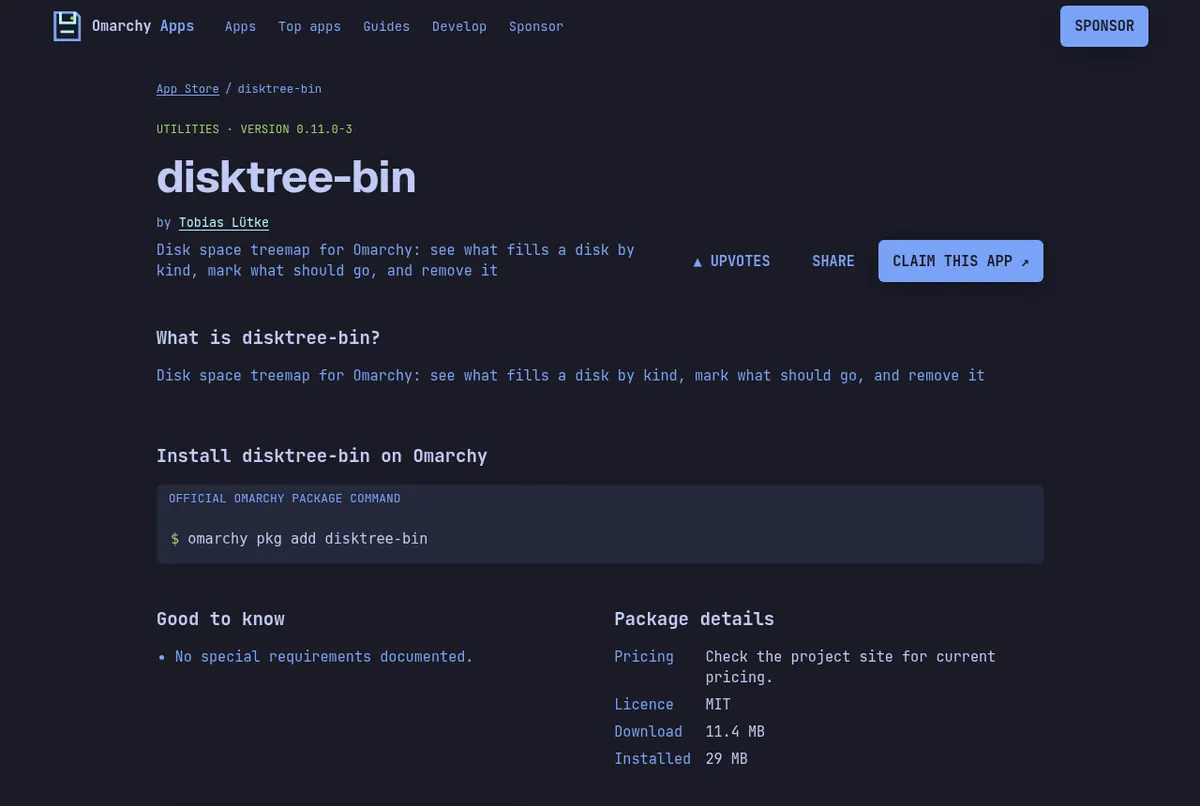
Running low on space later? disktree shows what fills a disk. Screenshot: its page on this store.
Living with two systems
Keep the Limine menu if you want snapshots. Omarchy takes a system snapshot on every update and you boot them from Limine. There is a Setup > Direct Boot option that skips the menu, but then you have to pick Limine from your BIOS boot menu to reach a snapshot. The manual says it refuses to run on American Megatrends and Apple firmware.
Moving over for good? Read how to move from Windows to Omarchy safely.
Read next
Frequently asked questions
Can I dual boot Windows and Omarchy?
Yes. Shrink your Windows partition, then choose Free space install in the Omarchy installer. Run limine-scan afterward to add Windows to the boot menu.
Do I need to turn off BitLocker?
Yes. The Omarchy manual says the free space install is not compatible with BitLocker. Turn it off in Settings > Privacy & security > Device encryption and wait for it to decrypt.
Is the Omarchy partition encrypted when dual booting?
Yes. The free space install uses LUKS encryption by default, the same as a full-disk install.
Windows is missing from the boot menu. What now?
Boot Omarchy, open a terminal and run limine-scan. Pick Windows Boot Manager from the prompts.
How big should the Omarchy partition be?
The manual does not set a minimum; its example uses 50GB. Whatever you shrink becomes the whole Omarchy install, boot partition included.
Sources
- Omarchy manual: Dual boot install
- Omarchy manual: Getting started
- Omarchy manual: System snapshots
- Try Omarchy for Windows: moving to a real install (Fast Startup)
Facts, prices and requirements checked against the sources above on October 19, 2026. Vendor prices can change. Store screenshots were taken from this site; project screenshots are credited to their repositories. An independent community project, not affiliated with or endorsed by Omacom or David Heinemeier Hansson. Built with David's blessing.