
Short answer
Try Omarchy first (the Try Omarchy app on Apple Silicon, or a spare Intel Mac). Make a Time Machine backup and a plain copy of your files on an external drive. Install on an Intel Mac, copy the files back, and use LocalSend for anything left on your phone. If you change your mind, restore macOS through Internet Recovery and your Time Machine backup.
1. Try it before you switch
On an Apple Silicon Mac, the Try Omarchy app runs the whole desktop in a window. Omarchy's installer itself supports Intel Macs. If you have a spare Intel Mac, that is the best test machine. See which Macs can run Omarchy.
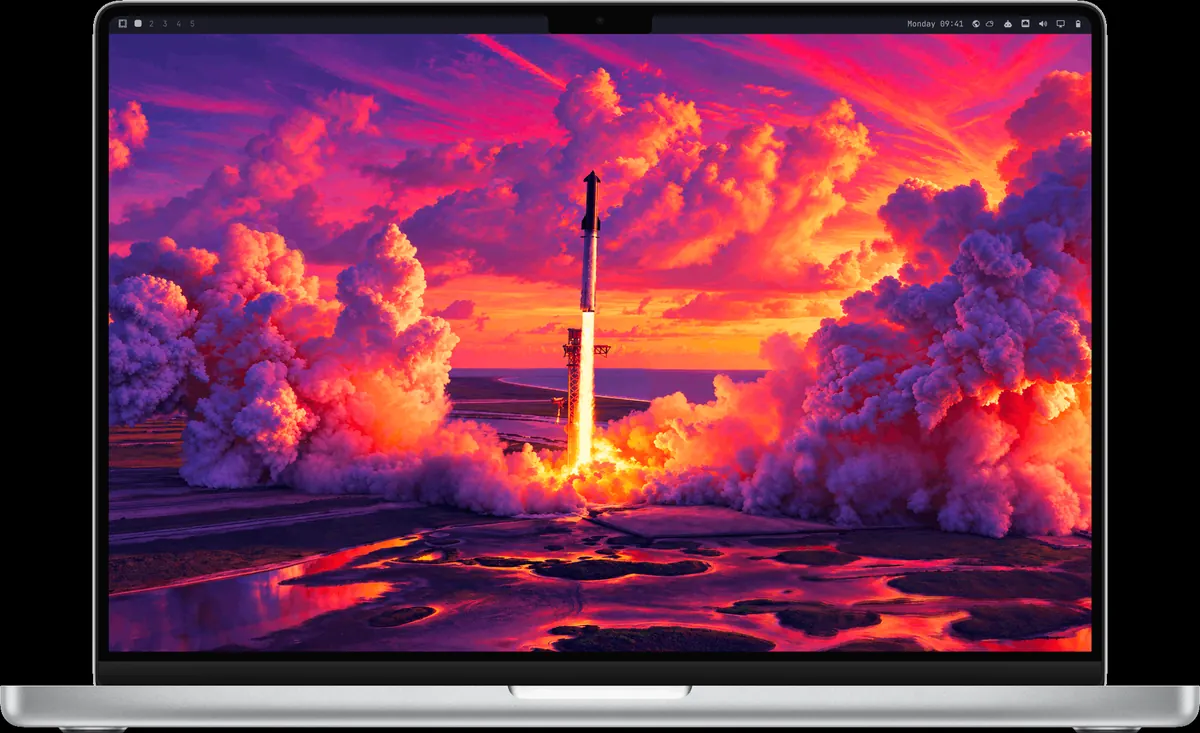
Screenshot from the omacom/try-omarchy README (MIT).
2. Back up twice
- Time Machine backup to an external drive. That is your way back to macOS exactly as it was.
- A plain copy of your files (Documents, Desktop, Pictures, anything in iCloud you want offline) on a drive formatted exFAT, so both macOS and Linux can read it.
- Passwords: make sure you can sign in to your password manager on another device. 1Password and Bitwarden both work on Omarchy; see the 1Password guide.
3. Map your apps
| On the Mac | On Omarchy |
|---|---|
| Spotlight / Raycast | Super + Space |
| Finder | Nautilus (Super + Shift + F), or Strata for Finder-style columns |
| AirDrop | LocalSend on Super + Ctrl + S |
| Cmd + Shift + 4 | Print Screen |
| Time Machine (system) | Automatic snapshots on every update |
| App Store | Install menu, or omarchy pkg add, or this store |
| Notes | Obsidian (Super + Shift + O) |
| Pages, Keynote | LibreOffice, Hype |
| Photoshop | Schist, see Photoshop alternatives |
4. Install and move your files back
Follow the Intel Mac install guide. Then plug in the exFAT drive and copy your folders into your home. For files still on your phone, install LocalSend, which moves files between nearby devices over local Wi-Fi without a cloud account:
omarchy pkg add localsendVideo by Awesome Open Source on YouTube. It loads from youtube-nocookie.com only after you press play.
5. Know your way back
- A bad update on Omarchy: boot the previous system snapshot from the Limine menu, or run
omarchy-snapshot restore. Snapshots restore the system, not your/home, so they never replace your own backups. - Back to macOS: the Mac support page says you can restore macOS later through Internet Recovery. Then restore your Time Machine backup.
- Stuck? Ask in #omarchy-help on the Omarchy Discord.
Read next
Frequently asked questions
Can I go back to macOS after installing Omarchy?
Yes. The Omarchy manual says you can restore macOS later through Internet Recovery. Make a Time Machine backup before you switch so you can restore your data too.
What replaces AirDrop on Omarchy?
LocalSend, on Super+Ctrl+S. It sends files between nearby devices over local Wi-Fi without a cloud account.
Do Omarchy snapshots back up my files?
No. Snapshots restore the root filesystem, not /home, so they fix broken updates but do not recover personal files. Keep your own backups.
How do I move files from my Mac to Omarchy?
Copy them to an external drive formatted exFAT, which both systems can read, then copy them into your Omarchy home folder. LocalSend works for smaller batches.
Can I keep macOS and Omarchy on the same Mac?
Not currently. On Macs, Omarchy has to be the only OS on the drive.
Sources
- Omarchy manual: Mac support
- Omarchy manual: Coming from Mac or Windows
- Omarchy manual: System snapshots
- Omarchy manual: GUIs (LocalSend, Obsidian)
- omacom/try-omarchy README
Facts, prices and requirements checked against the sources above on October 19, 2026. Vendor prices can change. Store screenshots were taken from this site; project screenshots are credited to their repositories. An independent community project, not affiliated with or endorsed by Omacom or David Heinemeier Hansson. Built with David's blessing.