
Short answer
Choose Install > Windows from the Omarchy menu. Omarchy sets up Windows 11 Pro in a Docker VM and connects to it over RDP with sound, microphone and a shared clipboard. Files go through the ~/Windows folder. It needs KVM, about 10GB plus the disk you give it, and your own license key. There is no GPU passthrough, so it is for work apps, not games.
Before you set up a VM
Check if you need Windows at all. Many apps have a web version, and Omarchy can turn any site into an app window with Install, then Web App. Microsoft says PowerPoint for the web is free, and Omarchy already ships Zoom and WhatsApp as web apps. For desktop Office files, LibreOffice comes preinstalled. If you still have a Windows PC, you can also just remote into it with RustDesk.
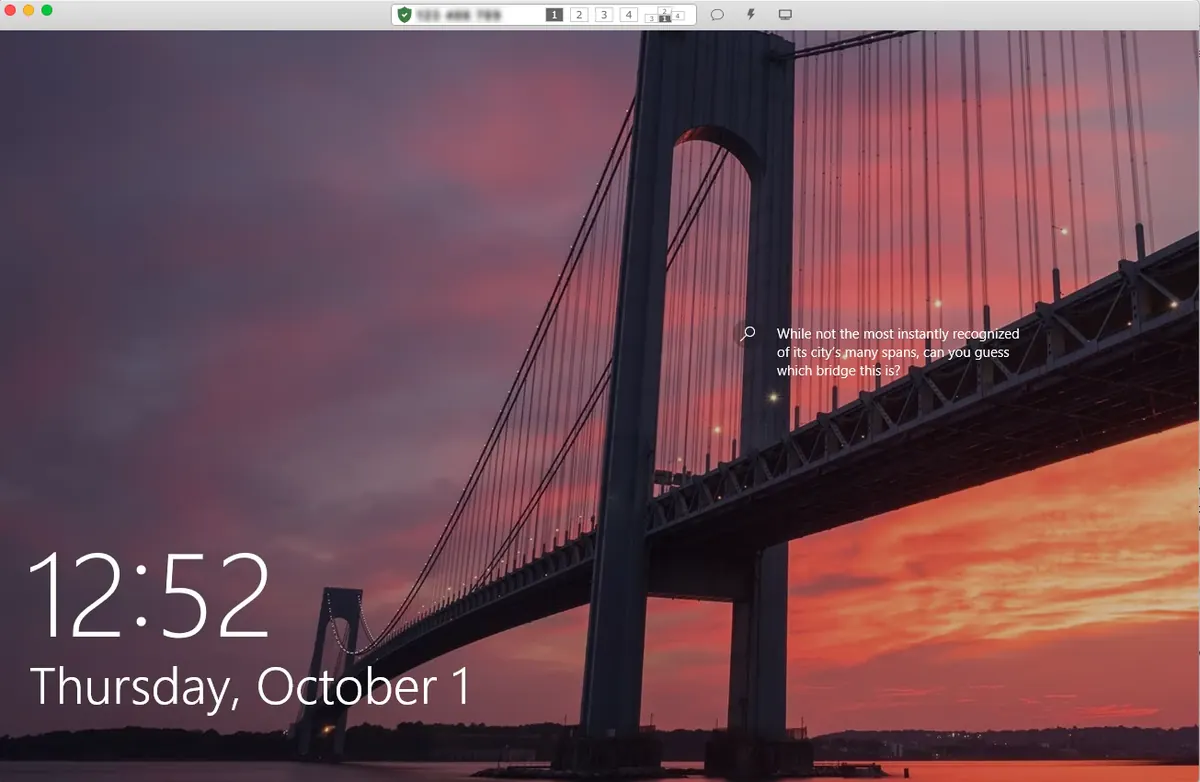
Screenshot from the rustdesk/rustdesk README (AGPL-3.0).
Set up the Windows VM
- Press Super + Space and choose Install, then Windows. Your machine needs KVM virtualization. If it is off in the BIOS, the installer tells you.
- Pick RAM, CPU cores and disk. Plan for the disk you give Windows plus about 10GB for the image. The manual calls 64GB the sensible floor.
- Set a Windows username and password, or leave them blank for
docker/admin. - Wait. The download takes 10 to 15 minutes. You can watch at
http://127.0.0.1:8006. - Open Windows from the app launcher. Give it 15 to 30 seconds on a cold start.
omarchy windows vm status   # is it running?
omarchy windows vm stop     # shut it down
omarchy windows vm launch   # start and connect
Closing the RDP window shuts the VM down. To leave it running, launch with omarchy windows vm launch --keep-alive.
Moving files in and out
The ~/Windows folder in your home is shared with the VM. Windows cannot see any other part of your files. The VM's ports listen on localhost only, so nothing on your network can reach it.
Licensing and limits
- It installs Windows 11 Pro, unactivated. You need your own license key for the gated features.
omarchy windows keyprints the OEM key from your PC's firmware. The manual says that key is bound to the machine and usually will not activate the VM.- No GPU passthrough, so not for gaming or video editing. For games, see gaming after Windows.
- Remove > Windows deletes the VM and its disk. Copy anything you need out of
~/Windowsfirst.
Video by NetworkChuck on YouTube. Starts at the Windows-in-Docker chapter (23:09). It loads from youtube-nocookie.com only after you press play.
Read next
Frequently asked questions
Can I run Microsoft Office on Omarchy?
Yes, inside the Windows 11 VM from Install > Windows. The manual calls it a great way to run Office. For many files, LibreOffice or the free web versions are enough.
Does the Windows VM need a license?
It installs Windows 11 Pro unactivated. You need your own key for the gated features. Your PC's OEM key usually will not activate the VM.
Can I play games in the Windows VM?
No. There is no GPU passthrough. Use Steam with Proton, cloud gaming or Moonlight streaming instead.
How do I share files with the Windows VM?
Put them in ~/Windows in your home folder. That is the only folder Windows can see.
How much disk does the Windows VM need?
The disk you allocate plus about 10GB for the image. The manual suggests 64GB or more for the VM disk.
Sources
Facts, prices and requirements checked against the sources above on October 19, 2026. Vendor prices can change. Store screenshots were taken from this site; project screenshots are credited to their repositories. An independent community project, not affiliated with or endorsed by Omacom or David Heinemeier Hansson. Built with David's blessing.