
Short answer
Omarchy supports Intel Macs with the T2 chip from 2017 to 2020. On those models the installer sets up the patched linux-t2 kernel, T2 audio, Apple's Broadcom Wi-Fi and Bluetooth firmware and fan control, and the Touch Bar works. On the 2016 T1 MacBook Pros (A1706, A1707, A1708) the Touch Bar and sound do not work yet.
Find your model number
The model number starts with an A and is printed on the bottom of a MacBook. Then find it below.
T2 Macs: set up automatically
- iMac Pro (2017), A1862
- MacBook Pro 13-inch (2018, four Thunderbolt 3 ports), A1989
- MacBook Pro 15-inch (2018), A1990
- MacBook Air (Retina, 13-inch, 2018), A1932
- Mac mini (2018), A1998
- MacBook Pro 13-inch (2019, two Thunderbolt 3 ports), A2159
- MacBook Pro 13-inch (2019, four Thunderbolt 3 ports), A2178
- MacBook Pro 15-inch (2019), A1990
- MacBook Pro 13-inch (2020, two Thunderbolt 3 ports), A2265
- MacBook Pro 15-inch (2020), A1990
On these models the installer sets up the patched linux-t2 kernel, the T2 audio configuration, Apple's Broadcom Wi-Fi and Bluetooth firmware, and fan control through t2fanrd. The manual says the Touch Bar runs on the kernel's built-in Boot Camp-style support.
Video by Ksk Royal on YouTube. Shown on a 2020 MacBook Pro with a T2 chip. It loads from youtube-nocookie.com only after you press play.
T1 Macs: the known limits
- MacBook Pro 13-inch (2016, two Thunderbolt 3 ports), A1706
- MacBook Pro 13-inch (2016, four Thunderbolt 3 ports), A1708
- MacBook Pro 15-inch (2016), A1707
The manual lists two known issues on these: the Touch Bar does not work, and sound does not work. A USB or Bluetooth headset is worth testing if you want audio.
Tips once you are in
- Wi-Fi, Bluetooth, audio or trackpad acting up after sleep? Update > Hardware in the Omarchy menu restarts just that part, no reboot needed.
- Check your disk with
omarchy disk speedtestor Trigger > Speed Test > Disk Speed Test. - See CPU, memory and power use with TMOG or Omarchy Task Manager.
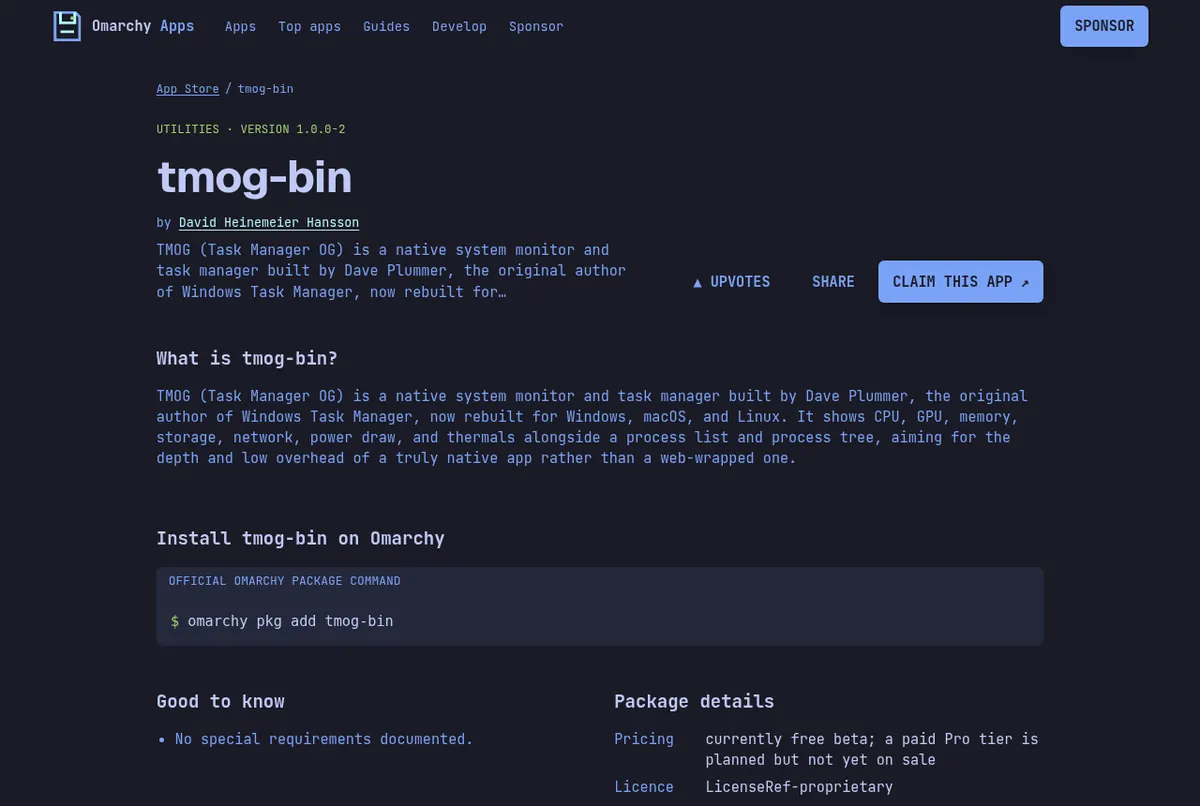
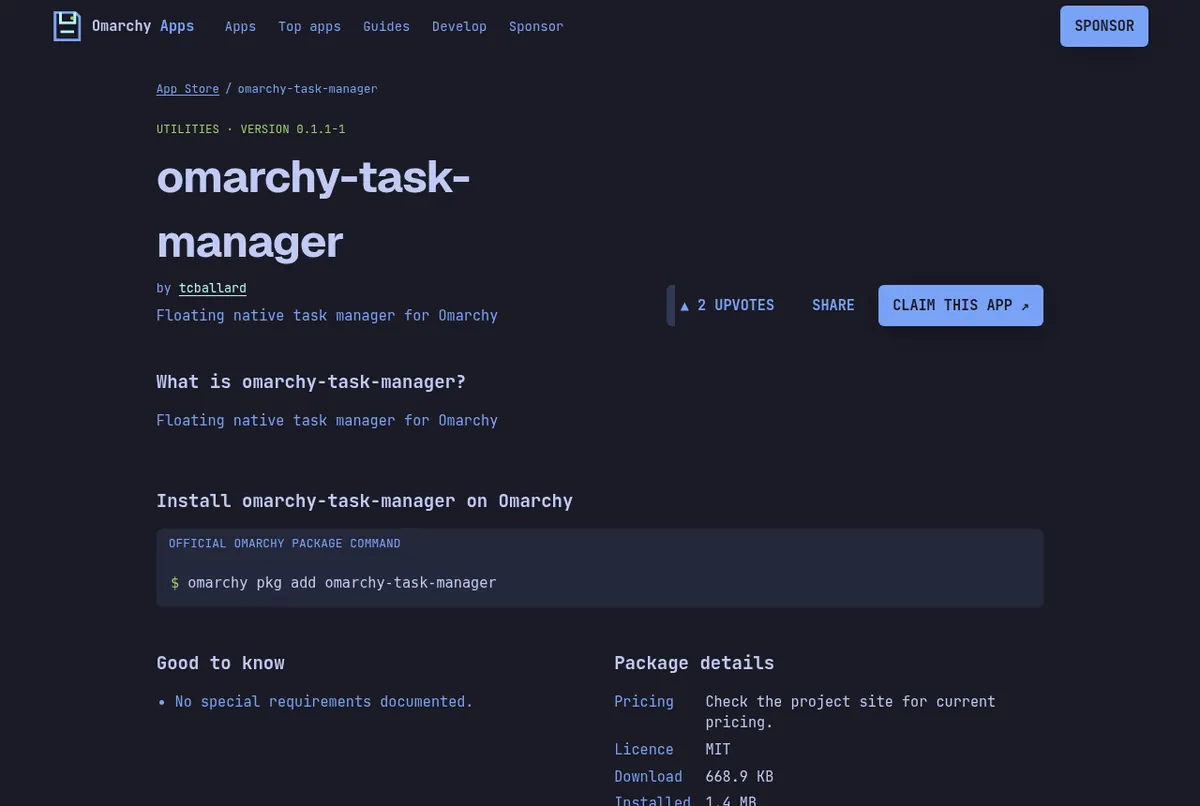
Screenshots: the tmog-bin page on this store, the omarchy-task-manager page on this store.
Read next
Frequently asked questions
Does Omarchy work on T2 Macs?
Yes. On T2 models from 2017 to 2020 the installer sets up the linux-t2 kernel, T2 audio, Broadcom Wi-Fi and Bluetooth firmware and fan control automatically.
Does the Touch Bar work on Omarchy?
On T2 Macs, yes, through the kernel's built-in support. On the 2016 T1 MacBook Pros it does not work yet.
Does sound work on a 2016 MacBook Pro?
Not on the T1 models A1706, A1707 and A1708. The manual lists sound as a known issue there.
Is the MacBook Air 2018 supported?
Yes. The MacBook Air (Retina, 13-inch, 2018), model A1932, is on the manual's T2 list.
My Wi-Fi stopped after sleep. What do I do?
Open the Omarchy menu and go to Update > Hardware, then restart Wi-Fi. That clears most cases without a reboot.
Sources
- Omarchy manual: Mac support (T1 and T2 lists)
- Omarchy manual: Troubleshooting
- Omarchy manual: FAQ (disk speed test)
Facts, prices and requirements checked against the sources above on October 19, 2026. Vendor prices can change. Store screenshots were taken from this site; project screenshots are credited to their repositories. An independent community project, not affiliated with or endorsed by Omacom or David Heinemeier Hansson. Built with David's blessing.