
Short answer
Open Install > Development to set up languages like Node, Python, Go, Rust, Java, Elixir or .NET through mise. Docker and Docker Compose come installed, Lazydocker opens on Super+Shift+D, and lazygit is preinstalled. Pick an editor under Install > Editor: Neovim is the default, and VS Code, Cursor, Zed and others are ready to install.
Languages with mise
Omarchy's manual lists Rails, Node, Bun, Deno, Laravel, Symfony, Go, Rust, Python, Java, Elixir and .NET under Install > Development. Versions are handled by mise, so each project can pin its own:
mise use -g ruby   # install Ruby and make it the global default
mise i             # in a project with a .ruby-version file
Docker and Git
Omarchy installs Docker and Docker Compose for you. Your user is not in the docker group by default, so you run sudo docker ps. The manual explains why: that group is effectively passwordless root. If you want it anyway, enable Setup > Security > Sudoless Docker. For local databases, use Install > Development > Docker DB. Lazydocker opens on Super + Shift + D. lazygit is preinstalled, and the GitHub CLI gh installs itself the first time you use it.
Editors and terminals
Neovim with LazyVim is the default. VS Code, Cursor, Zed, Sublime Text, Helix, Vim and Emacs are ready to install from Install > Editor. Store pages: VS Code, Cursor, Omarchy Neovim. Theme matching is offered for VS Code, Cursor, VSCodium and Helix, and Setup > Defaults > Editor sets the system default. For terminals, Foot is the default, with Alacritty, Ghostty and Kitty available.
One small win: Super + C and Super + V copy and paste in the terminal too, so Ctrl + C stays free to stop a process.
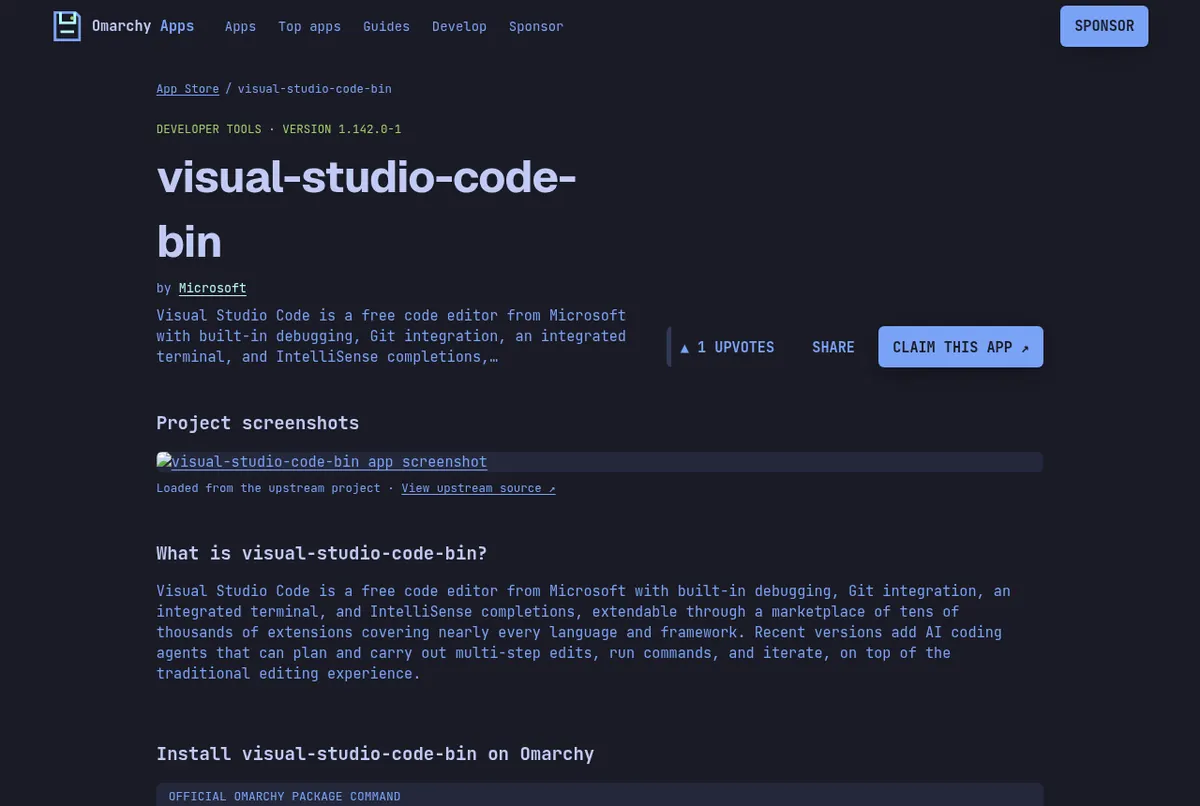
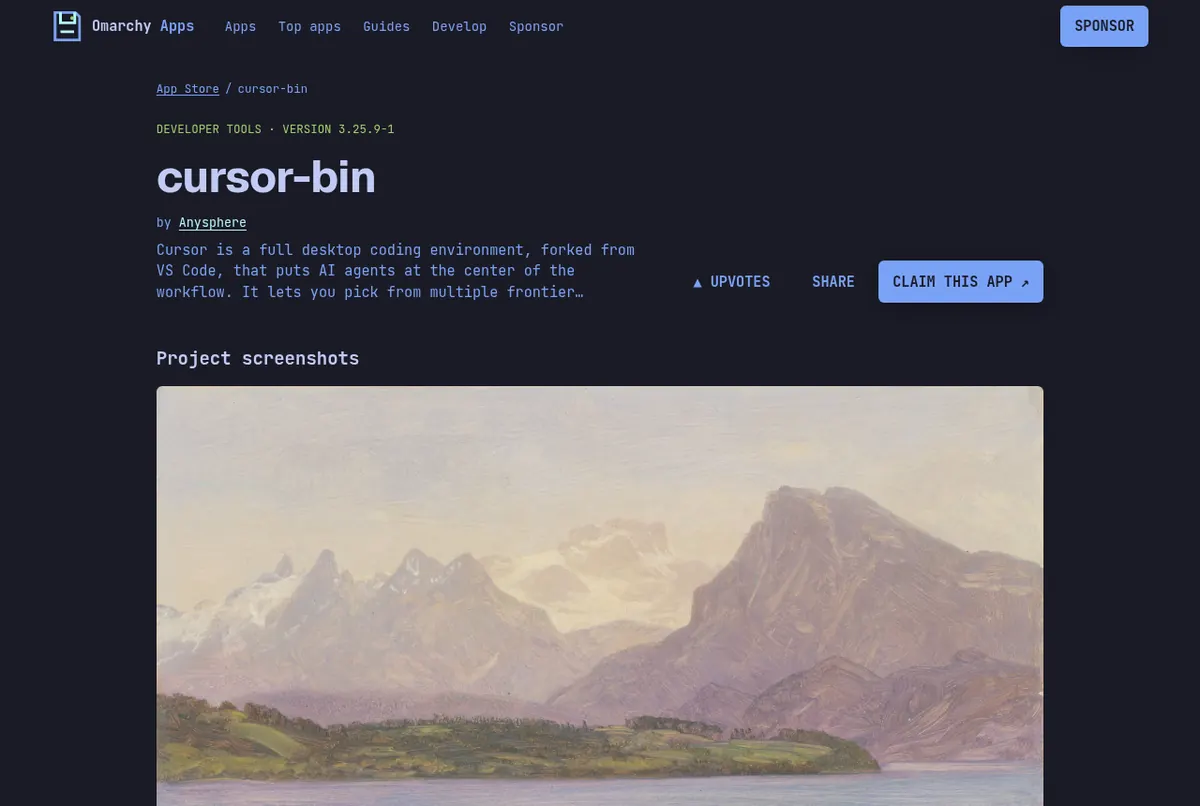
Screenshots: the visual-studio-code-bin page on this store, the cursor-bin page on this store.
When a tool only runs on Windows
Keep it in the built-in Windows 11 VM. See run Windows apps on Omarchy. Editors without a license fee are compared in free Sublime Text alternatives.
Read next
Frequently asked questions
How do I install Node or Python on Omarchy?
Open Install > Development from the Omarchy menu and pick the language. mise manages the versions, for example mise use -g node.
Does Docker work on Omarchy?
Yes. Omarchy installs Docker and Docker Compose. You run it with sudo by default, and Setup > Security > Sudoless Docker changes that. Lazydocker opens with Super+Shift+D.
Can I use VS Code on Omarchy?
Yes. VS Code is ready to install from Install > Editor, and it has a page on this store. Cursor and Zed are there too.
Which terminal does Omarchy use?
Foot is the default. Alacritty, Ghostty and Kitty are available too.
Sources
- Omarchy manual: Development tools
- omarchy.org (editors and terminals)
- Omarchy manual: Coming from Mac or Windows
Facts, prices and requirements checked against the sources above on October 19, 2026. Vendor prices can change. Store screenshots were taken from this site; project screenshots are credited to their repositories. An independent community project, not affiliated with or endorsed by Omacom or David Heinemeier Hansson. Built with David's blessing.