
Short answer
For layered PSD work on Omarchy, start with Schist: it is MIT licensed and reads and writes layered PSD and PSB files. For posters, layouts and logos, try Omadesign. For quick crops and fixes, use Pinta, which Omarchy ships. To mark up screenshots, use Omasnap (Print Screen) or Tensaku.
Which one for which job
| If you use Photoshop for | Use this on Omarchy | License |
|---|---|---|
| Layered PSD files, retouching, RAW | Schist | MIT |
| Posters, layouts, logos, social graphics | Omadesign | MIT |
| Quick crop, resize, a bit of painting | Pinta (comes with Omarchy) | MIT |
| Arrows, boxes and blur on screenshots | Omasnap or Tensaku | MIT / MPL-2.0 |
Adobe sells Photoshop through subscription plans, on its own or in a multi-app plan, and does not offer a Linux version. Everything below is free.
1. Schist: for real layered PSD work
Schist is a layered image editor and photo manager written in Rust. What matters if you are leaving Photoshop: its README says it reads and writes layered PSD and PSB files at 8, 16 and 32 bits, with groups, masks, blend modes, adjustments and effects. It also imports Affinity documents and reads and writes GIMP .xcf and Paint.NET .pdn files.
omarchy pkg add schistLinux needs a working Vulkan driver for Schist. There is also a browser build at try.schist.app if you want a look first.
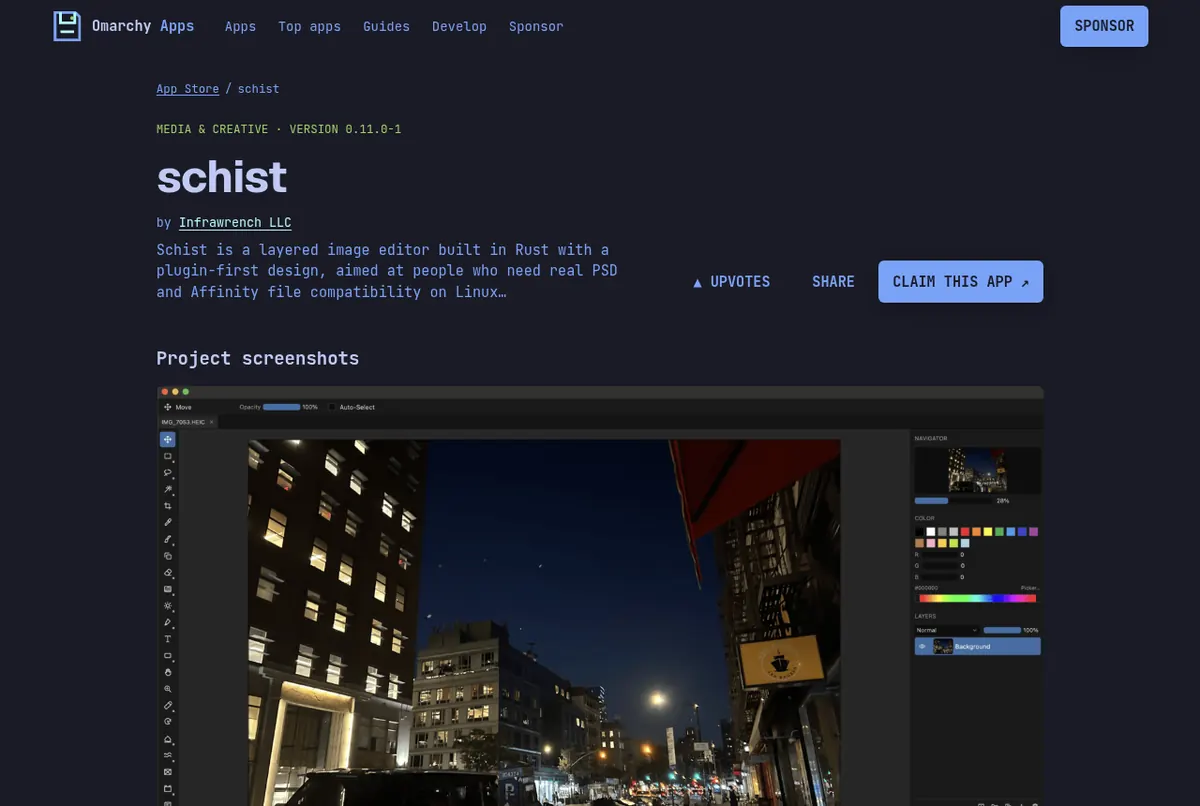
Screenshots: the schist page on this store.
2. Omadesign: design and layout in one document
Omadesign calls itself a native Linux studio for design, layout, painting, photos and motion, built so a designer coming from macOS can sit down and work. It follows your Omarchy theme colors and font. It has Design, Layout and Pixel modes with familiar tool keys: Move V, Pen P, Type T, Brush B.
omarchy pkg add omadesign-bin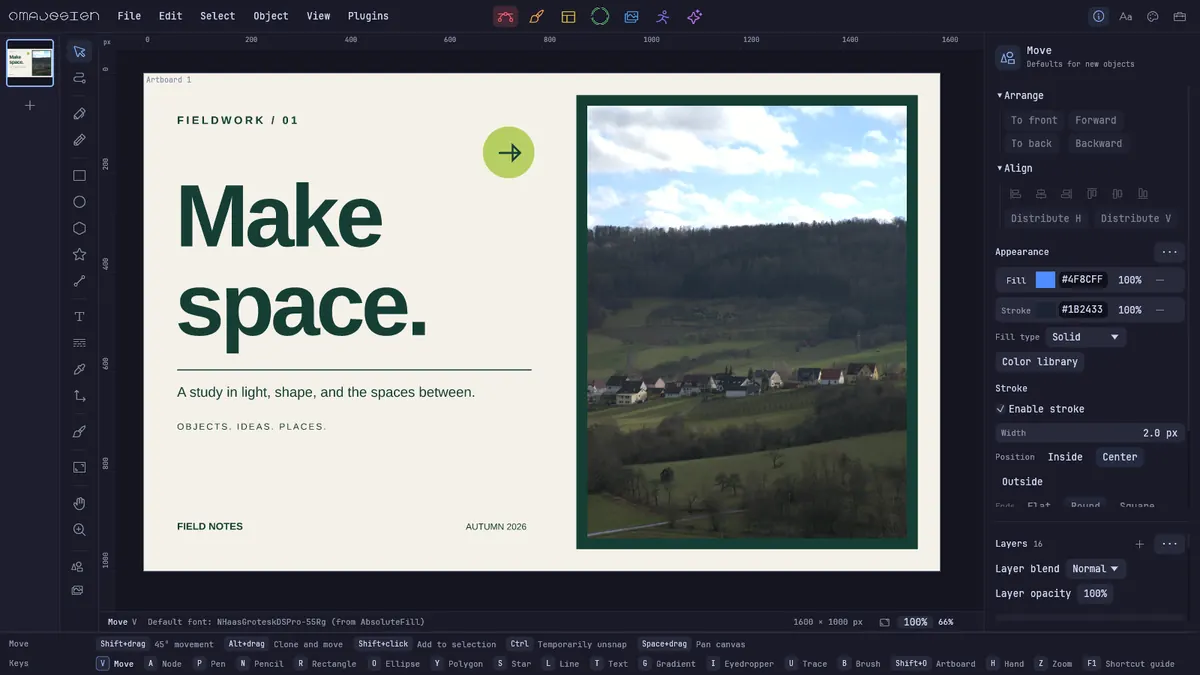
Screenshot from the michaelmonetized/omadesign README (MIT).
Our Omadesign guide goes deeper.
3. Pinta: the quick fix that is already installed
Omarchy ships Pinta for simple edits. The Omarchy manual is honest about it: it has layers and a Magic Wand, but it says not to expect a Photoshop alternative. Use it for cropping, resizing and quick touch-ups, and open Schist for the heavy work.
Video by Tommy Thompson on YouTube. It loads from youtube-nocookie.com only after you press play.
4. Omasnap and Tensaku: screenshot markup
A lot of everyday Photoshop use is just arrows and blur on a screenshot. On Omarchy, Print Screen opens Omasnap, an annotation overlay for arrows, shapes, text and blur. Tensaku is a separate annotation app forked from Satty, with numbered markers and callouts.
omarchy pkg add tensaku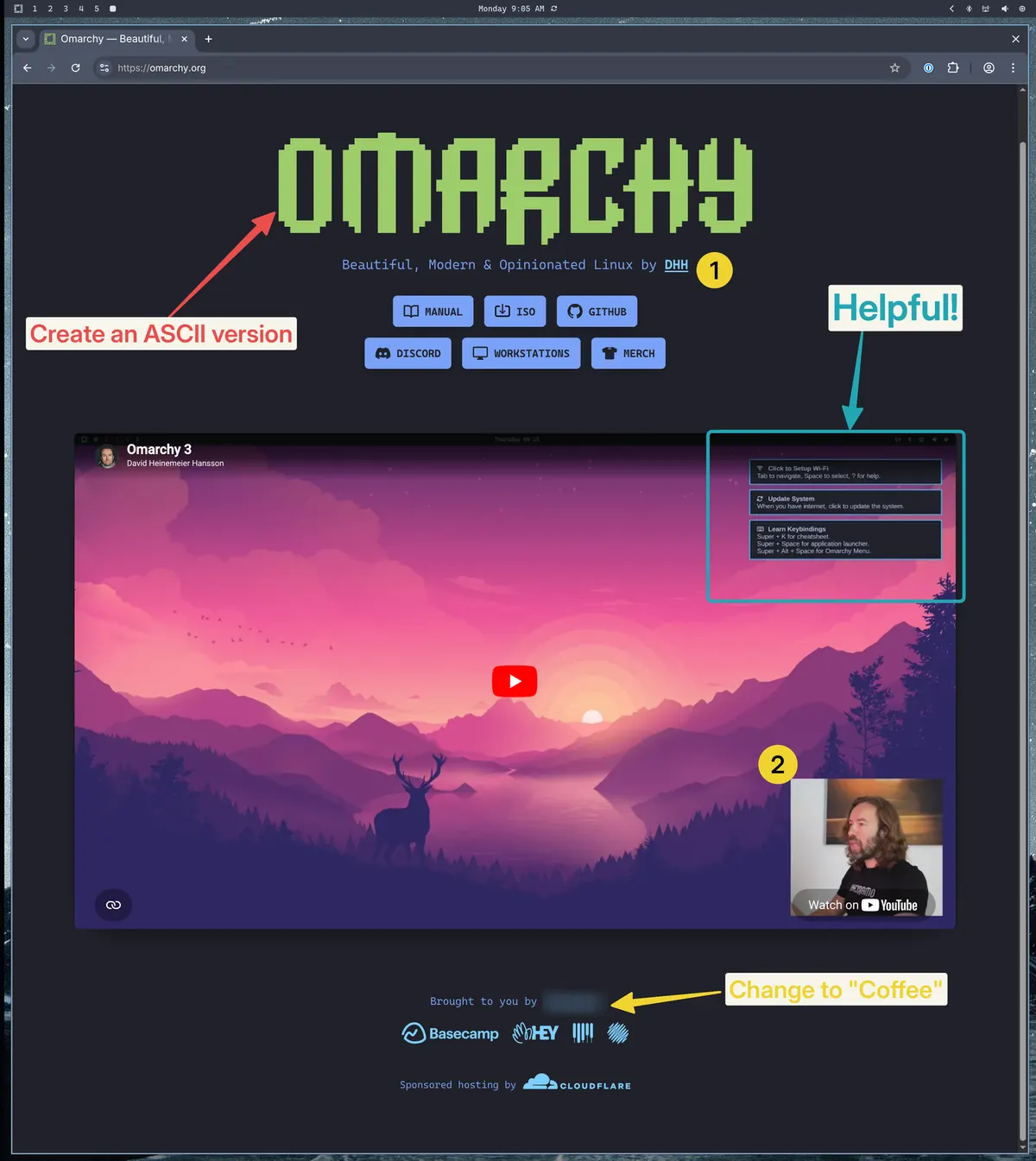
Screenshot from the jondkinney/tensaku README (MPL-2.0).
Read next
Frequently asked questions
Can I open PSD files on Omarchy?
Yes. Schist reads and writes layered PSD and PSB files, including groups, masks, blend modes and adjustments, according to its README. Install it with omarchy pkg add schist.
Is there a free Photoshop alternative for Linux?
Several. Schist is the closest for layered PSD editing, Omadesign covers design and layout, and Pinta handles simple edits. All three are free and open source under the MIT license.
Does Photoshop run on Linux?
Adobe does not offer a Linux version. It sells Photoshop through subscription plans for its supported platforms.
Is Pinta a Photoshop replacement?
Not really, and the Omarchy manual says so. Pinta has layers and a Magic Wand and is great for quick edits. For layered PSD work use Schist.
How do I annotate a screenshot on Omarchy?
Press Print Screen. Omasnap opens so you can add arrows, shapes, text and blur. Tensaku is another free option you can install with omarchy pkg add tensaku.
Sources
- Infrawrench/schist README (formats, requirements)
- michaelmonetized/omadesign README
- Omarchy manual: GUIs (Pinta)
- Omarchy manual: Screenshots and recording
- jondkinney/tensaku README
- Adobe Photoshop plans page
Facts, prices and requirements checked against the sources above on October 19, 2026. Vendor prices can change. Store screenshots were taken from this site; project screenshots are credited to their repositories. An independent community project, not affiliated with or endorsed by Omacom or David Heinemeier Hansson. Built with David's blessing.