
Short answer
For TeamViewer-style remote support on Omarchy, use RustDesk: the app and self-hosted server are free and open source (AGPL-3.0). To control another Omarchy machine, use gliff, which only needs SSH. For gaming or smooth video from a home PC, use Sunshine with the Moonlight client, which Omarchy preinstalls.
Pick by the session you need
| You want to | Use | License | Needs |
|---|---|---|---|
| Help family or clients on any OS | RustDesk | AGPL-3.0 (Server Pro is a paid add-on) | RustDesk on both ends |
| Reach your other Omarchy box | gliff | MIT | Hyprland on both machines, SSH access |
| Play games or watch video remotely | Sunshine + Moonlight | GPL-3.0 | Sunshine on the host, Moonlight client |
TeamViewer sells annual subscriptions that renew every 12 months, and only the person giving support needs a license. If that is you, here is what you can use for free.
1. RustDesk: the closest match
RustDesk lets you view and control another computer over the internet or your local network. It works out of the box with RustDesk's public relay servers, or you can run your own server. The store page notes the core app and self-hosted server are free under AGPL-3.0, and RustDesk Server Pro is a paid add-on for teams.
omarchy pkg add rustdesk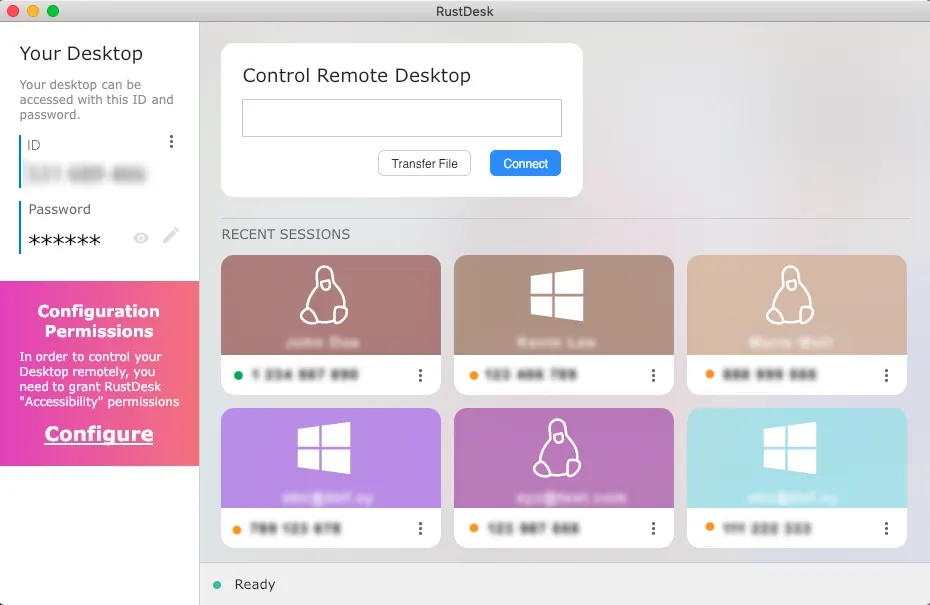
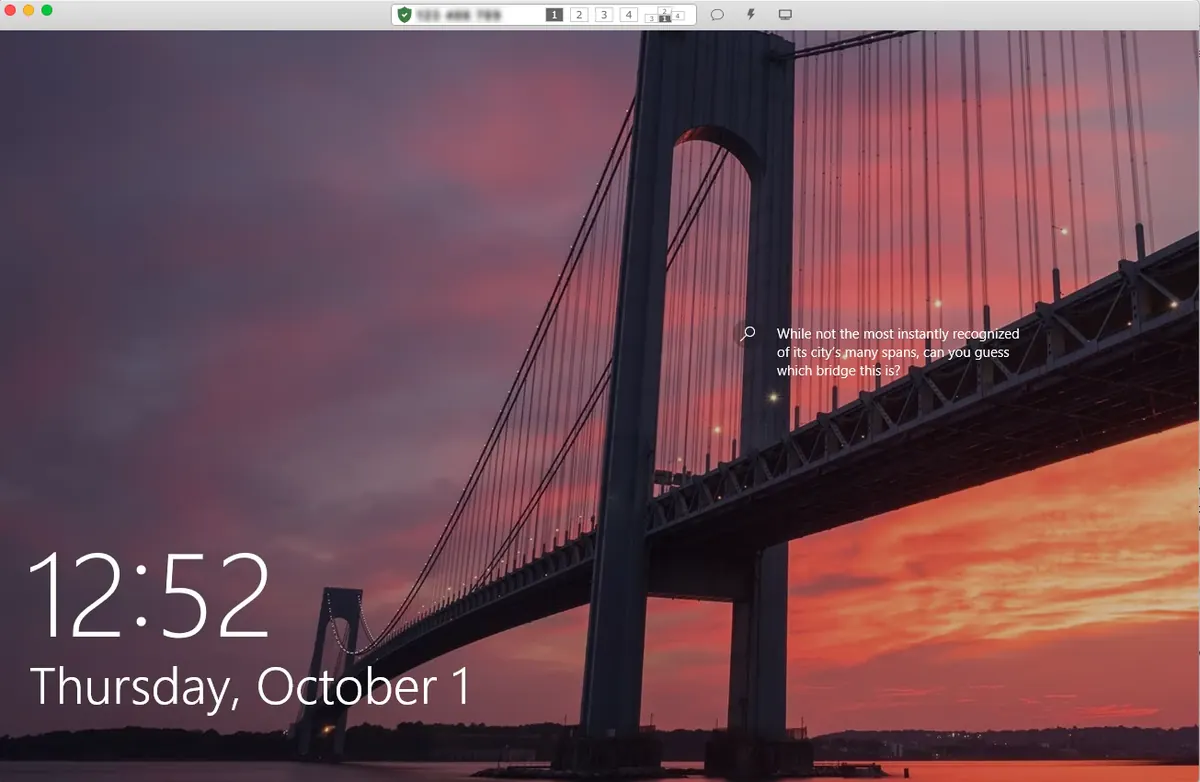
Screenshots from the rustdesk/rustdesk README (AGPL-3.0).
Video by MediaTech on YouTube. It loads from youtube-nocookie.com only after you press play.
Our RustDesk on Omarchy guide covers setup step by step.
2. gliff: Hyprland to Hyprland over SSH
gliff is a remote desktop for Hyprland from Omacom. It shows another machine's Hyprland session in a window, and the only thing it needs between the two is SSH: no open ports, no accounts, no relay. It sends full-resolution color so text stays sharp, and the clipboard works both ways.
omarchy pkg add gliff
gliff user@host
The README says gliff is on the edge channel of the Omarchy package repository for now. If your channel says target not found: gliff, the README shows how to build it from source.
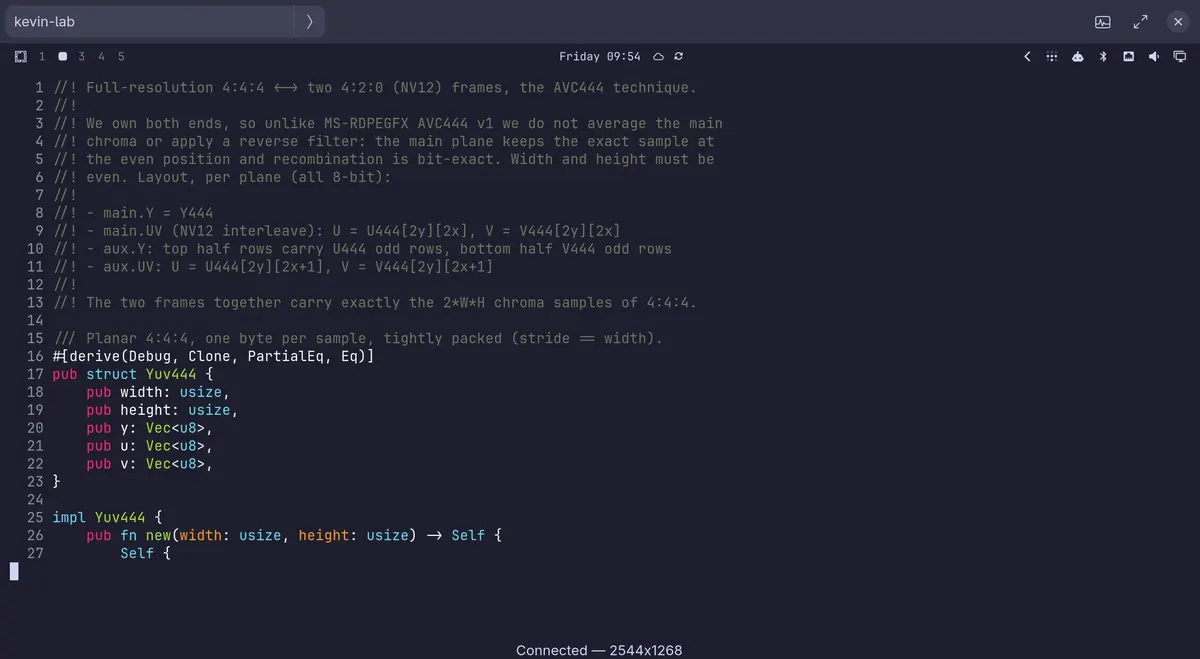
Screenshot from the omacom/gliff README (MIT).
3. Sunshine and Moonlight: smooth streaming
Sunshine is a self-hosted game stream host that pairs with the Moonlight client. Omarchy preinstalls Moonlight, and the manual installs Sunshine with one command:
omarchy install service sunshineSee the Sunshine streaming guide for pairing.
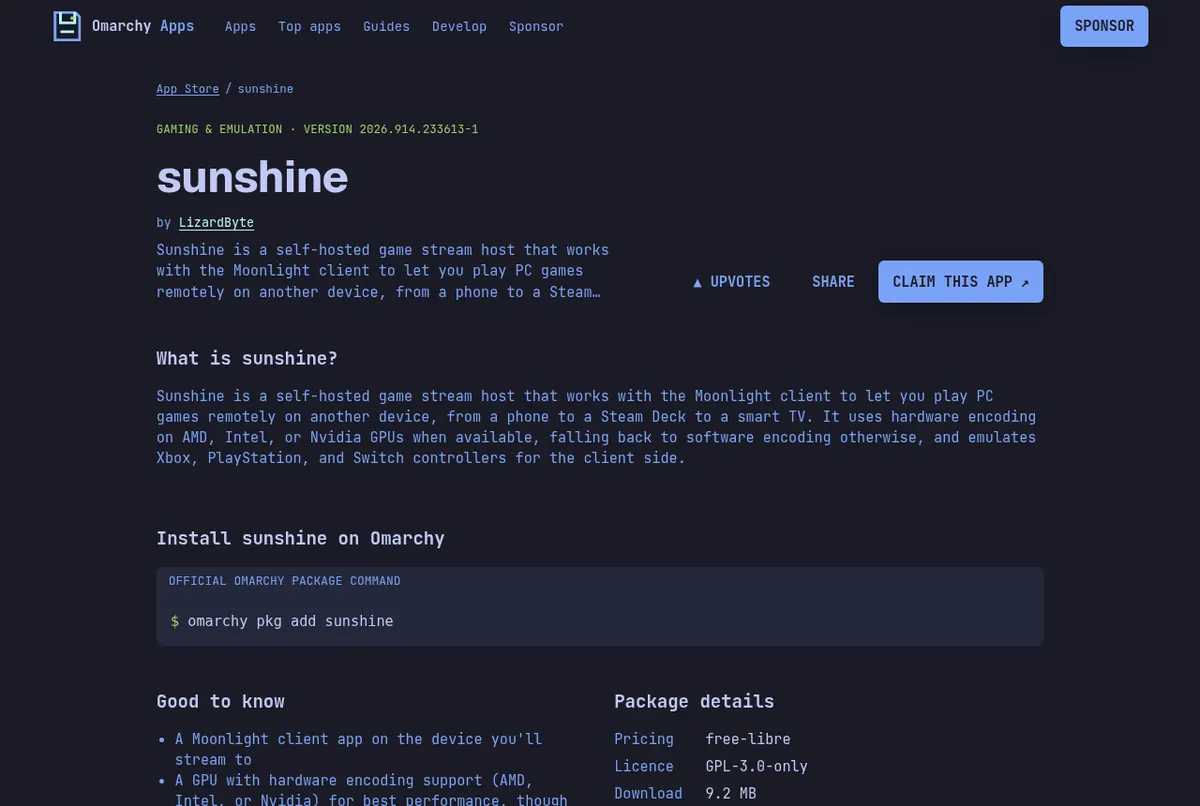
Screenshots: the sunshine page on this store.
Read next
Frequently asked questions
What is the best free TeamViewer alternative for Linux?
RustDesk. The app and self-hosted server are free and open source under AGPL-3.0, it runs on Linux, Windows and macOS, and it is one command on Omarchy: omarchy pkg add rustdesk.
Can I self-host RustDesk?
Yes. The open source RustDesk server is free to self-host. RustDesk Server Pro is a paid add-on aimed at teams.
How do I control one Omarchy computer from another?
Use gliff. Install it on both machines, then run gliff user@host. It only needs SSH and Hyprland on both ends.
Is TeamViewer free?
TeamViewer's pricing page lists annual subscriptions that renew every 12 months, with a free trial. Only the person providing support needs a license.
What should I use for remote gaming?
Sunshine on the host plus the Moonlight client. Omarchy preinstalls Moonlight and installs Sunshine with omarchy install service sunshine.
Sources
- rustdesk/rustdesk on GitHub
- omacom/gliff README
- Omarchy manual: Gaming (Moonlight, Sunshine)
- TeamViewer pricing overview
Facts, prices and requirements checked against the sources above on October 19, 2026. Vendor prices can change. Store screenshots were taken from this site; project screenshots are credited to their repositories. An independent community project, not affiliated with or endorsed by Omacom or David Heinemeier Hansson. Built with David's blessing.