
Short answer
Intel Macs can install Omarchy directly; the installer has built-in support for them, including T2 models. Apple Silicon (M-series) Macs are not directly supported for install, but Omacom's Try Omarchy app runs the full desktop in a virtual machine on Apple Silicon. Community guides cover Asahi Alarm on M1 and M2 and a Parallels VM.
Check your Mac in 10 seconds
Open the Apple menu and choose About This Mac. If you see Processor with Intel in the name, you have an Intel Mac. If you see Chip with Apple M1 or newer, you have Apple Silicon.
| Your Mac | What you can do | Source |
|---|---|---|
| Intel Mac, 2016 T1 MacBook Pro | Install, but Touch Bar and sound do not work yet | Mac support manual |
| Intel Mac with T2 (2017 to 2020) | Install. Kernel, audio, Wi-Fi and fans set up for you | Mac support manual |
| Other Intel Macs | Install. Wi-Fi, keyboard and suspend fixes applied automatically | Mac support manual |
| Apple Silicon (M-series) | Try Omarchy app (VM). Install is not directly supported. | omarchy.org, try-omarchy README |
| Apple M1 or M2 | Asahi Alarm route, with some effort (community guide) | Omarchy on... manual |
Intel Macs: install it
Follow the Intel Mac install guide. Omarchy's own Mac support page reports that in a simple test, a 2019 MacBook Pro got a 36% performance gain just by installing Omarchy. That is their test on one machine, so treat it as a hint, not a promise.
Apple Silicon: try it in a window
The Try Omarchy app from Omacom runs a stock Omarchy install as a native, hardware-accelerated app on Apple Silicon. Per its README: download the signed DMG from the releases page, drag it to Applications and launch. The first launch downloads about 3 GB and needs about 15 GB of free space. It shares the clipboard and one folder with macOS. A current limit: video decoding is CPU-only, so playback can be slow.
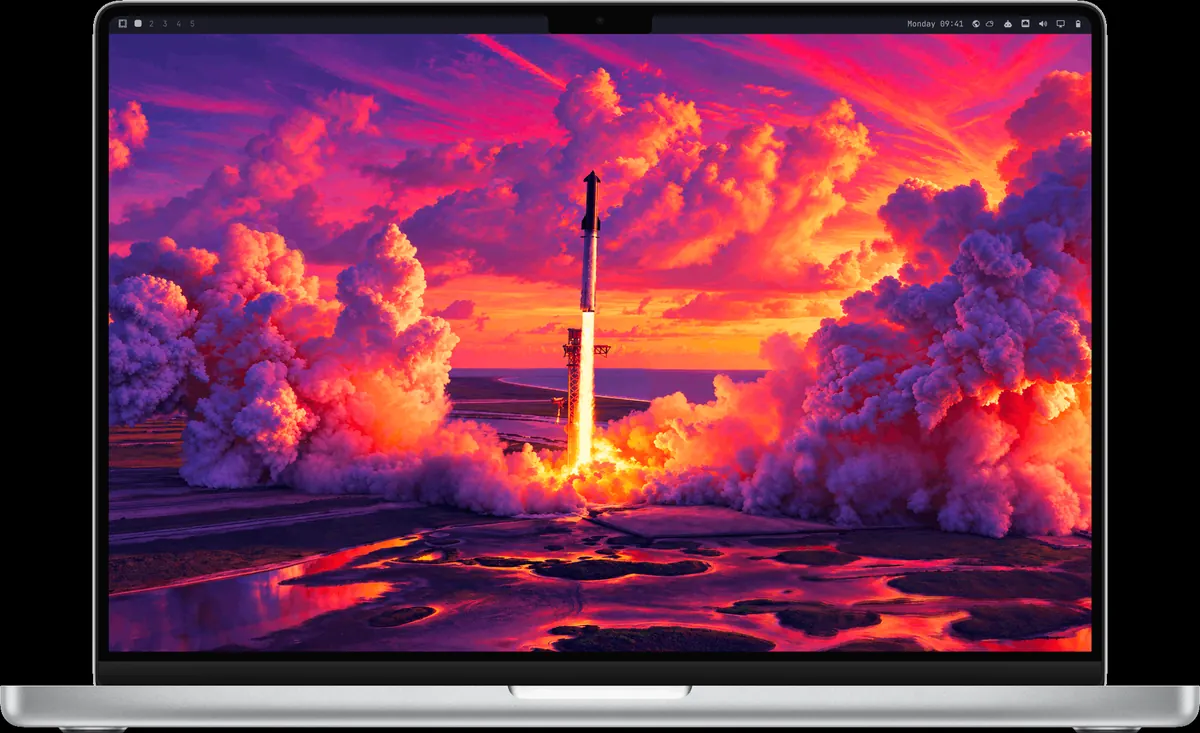
Screenshot from the omacom/try-omarchy README (MIT). The Omarchy mark is subject to Omarchy's trademark rights.
For M1 and M2 there is also Asahi Alarm, a version of Arch built on Asahi Linux. The manual says you can get Omarchy running on it with some effort, through a user-driven guide. A Parallels VM guide exists too. Ask in the #omarchy-on-other channel on the Omarchy Discord.
Read next
Frequently asked questions
Can Omarchy run on an M1 Mac?
Not as a direct install. You can try it in the Try Omarchy app, which runs it in a VM on Apple Silicon. For M1 and M2 there is also a community route through Asahi Alarm, which takes some effort.
Which Intel Macs are supported?
Omarchy has built-in support for Intel Macs. T2 models from 2017 to 2020 get extra setup automatically. The 2016 T1 MacBook Pros install, but Touch Bar and sound do not work yet.
How do I know if my Mac is Intel or Apple Silicon?
Open the Apple menu, choose About This Mac. Intel Macs show a Processor line with Intel. Apple Silicon Macs show a Chip line with Apple M1 or newer.
How much space does Try Omarchy need on a Mac?
Its README says the first launch downloads about 3 GB and needs about 15 GB of room for the image and the prepared disk.
Sources
- Omarchy manual: Mac support
- Omarchy manual: Omarchy on...
- omacom/try-omarchy README
- omarchy.org (Try it first)
Facts, prices and requirements checked against the sources above on October 19, 2026. Vendor prices can change. Store screenshots were taken from this site; project screenshots are credited to their repositories. An independent community project, not affiliated with or endorsed by Omacom or David Heinemeier Hansson. Built with David's blessing.