
Short answer
Omarchy records your screen out of the box: press Alt+Print Screen for a 60 fps MP4 with an optional webcam overlay, saved to ~/Videos. Use Monologue for webcam-only takes, Omacut to trim the ends, and OBS Studio or Kdenlive for bigger jobs. All are free.
What Loom's free plan limits
Loom's free Starter plan, per its pricing page, allows 25 videos per person and 5-minute screen recordings. Paid plans remove those limits. On Omarchy you can record as long as you like and keep the files on your own disk. Then upload the MP4 anywhere you already share files.
1. The built-in recorder: Alt+Print Screen
Omarchy's manual says Alt + Print Screen starts a screen recording through gpu-screen-recorder. You get a 60 fps MP4 in ~/Videos, and you can turn on a webcam overlay, which is the Loom look.
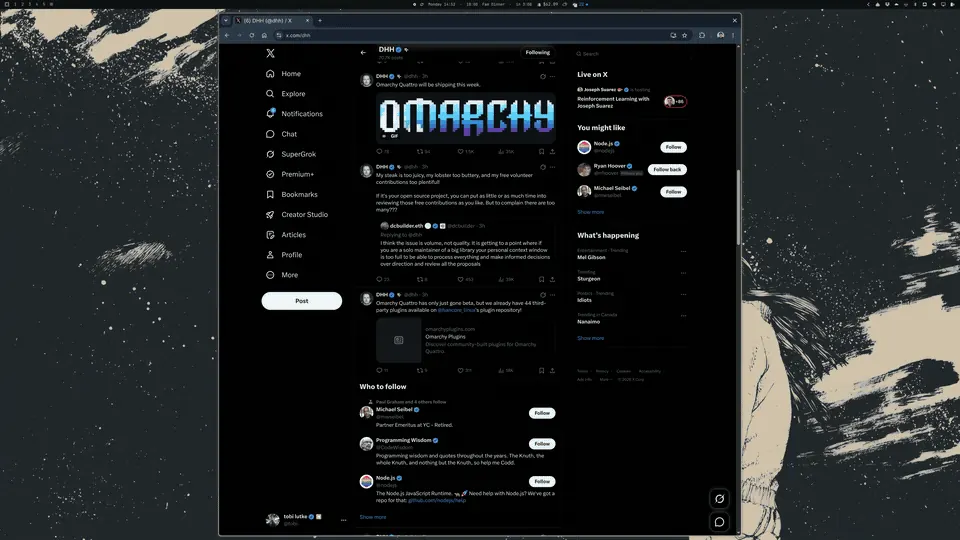
Animation frame from the omacom/omasnap README (MIT). Omasnap handles stills; Alt+Print Screen handles video.
2. Monologue: webcam takes with an editor
Monologue is a simple webcam recorder for Omarchy. Choose your camera and mic once, then press Space to record and again to pause. Stop, and it opens in a built-in editor where you can trim ends and cut out the middle. It saves H.264 MP4 and never touches the original take.
omarchy pkg add monologue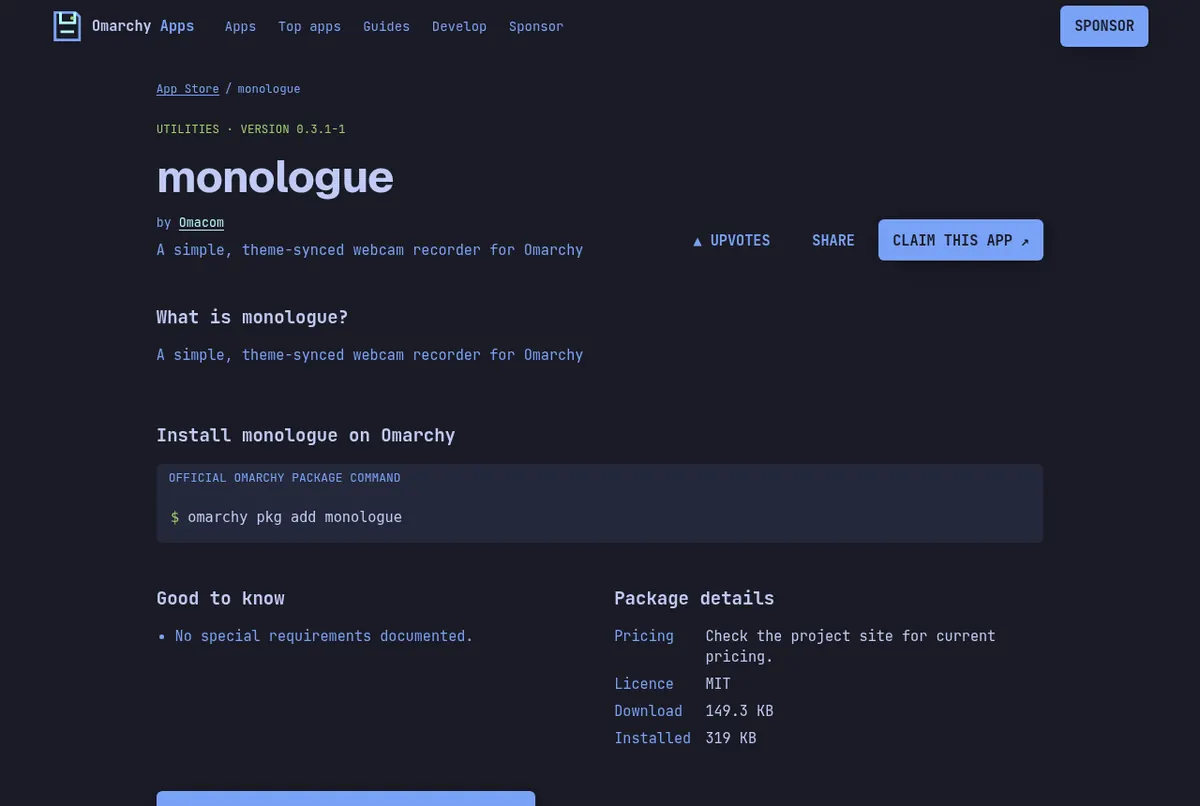
Screenshots: the monologue page on this store.
3. Omacut: trim before you send
Omacut is a bare-bones video trimmer. Drag start and end handles, preview, and export as MP4 at the original resolution, 1080p or 720p. It is the fastest way to cut the first awkward seconds off a recording.
omarchy pkg add omacut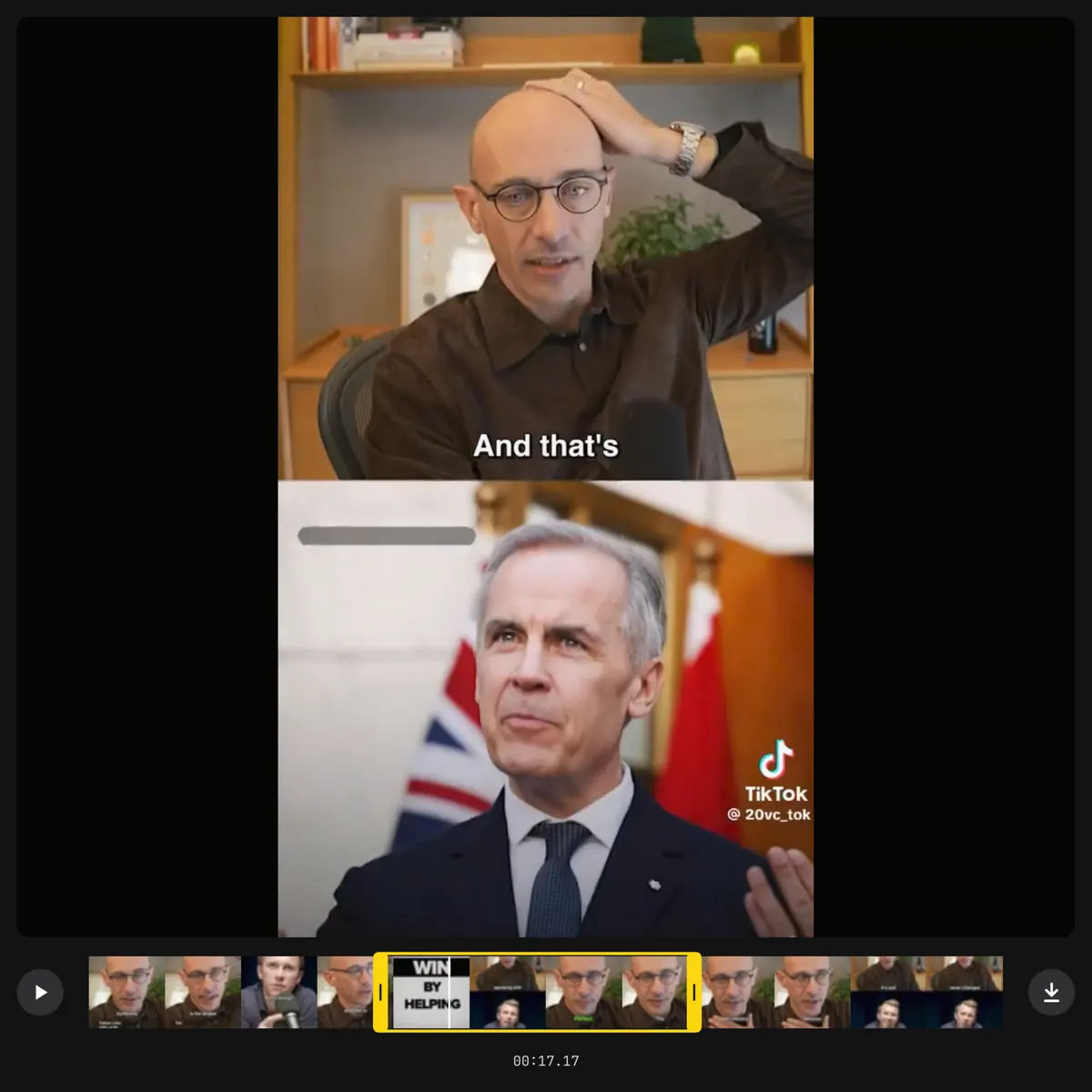
Screenshot from the omacom/omacut README (MIT).
4 and 5. OBS Studio and Kdenlive
Omarchy's manual lists OBS Studio for scenes and streaming and Kdenlive for full editing. Reach for them when a quick recording turns into a real video. Our free video editor guide compares the editors.
Read next
Frequently asked questions
How do I record my screen on Omarchy?
Press Alt+Print Screen. Omarchy records with gpu-screen-recorder and saves a 60 fps MP4 in ~/Videos. You can add a webcam overlay.
Is there a free Loom alternative for Linux?
Yes. Omarchy's built-in recorder plus Monologue and Omacut cover record, trim and export for free, with no length limit from the app.
What are the limits of Loom's free plan?
Loom's pricing page lists 25 videos per person and 5-minute screen recordings on the free Starter plan.
How do I record only my webcam?
Install Monologue with omarchy pkg add monologue. Press Space to record or pause, then trim in its built-in editor.
Sources
- Omarchy manual: Screenshots and recording
- Omarchy manual: GUIs (OBS Studio, Kdenlive, Monologue)
- omacom/monologue README
- omacom/omacut README
- Loom pricing
Facts, prices and requirements checked against the sources above on October 19, 2026. Vendor prices can change. Store screenshots were taken from this site; project screenshots are credited to their repositories. An independent community project, not affiliated with or endorsed by Omacom or David Heinemeier Hansson. Built with David's blessing.