
Short answer
On Omarchy, use Hype to write slides in Markdown and export to PDF or PowerPoint. Use Omapresent if you want a presenter view with notes and a timer on a second screen. Use LibreOffice Impress, which Omarchy preinstalls, when someone sends you a .pptx to edit. PowerPoint for the web is also free in the browser.
Which one fits
| You need to | Use | License |
|---|---|---|
| Write a talk fast and send a .pptx or PDF | Hype | MIT |
| Present with notes, timer and next-slide preview | Omapresent | MIT |
| Edit a .pptx someone sent you | LibreOffice Impress (comes with Omarchy) | Open source |
| Co-edit in PowerPoint itself | PowerPoint for the web (free, in the browser) | Proprietary |
Microsoft offers the PowerPoint desktop app for Windows and macOS, and more features with a Microsoft 365 subscription. Microsoft also says PowerPoint for the web is free for anyone.
1. Hype: slides from a Markdown file
Hype is an Omacom app for Omarchy. Your presentation is a Markdown file with its media next to it. Separate slides with ---, pick an installed Omarchy theme and a font, and export. Ctrl + E exports a PDF and Ctrl + Shift + E exports PowerPoint. Exported slides keep their look, but text is not editable in PowerPoint.
omarchy pkg add hypeHype saves every version to a .hype-backups/ folder next to your file, so a bad edit is never final.
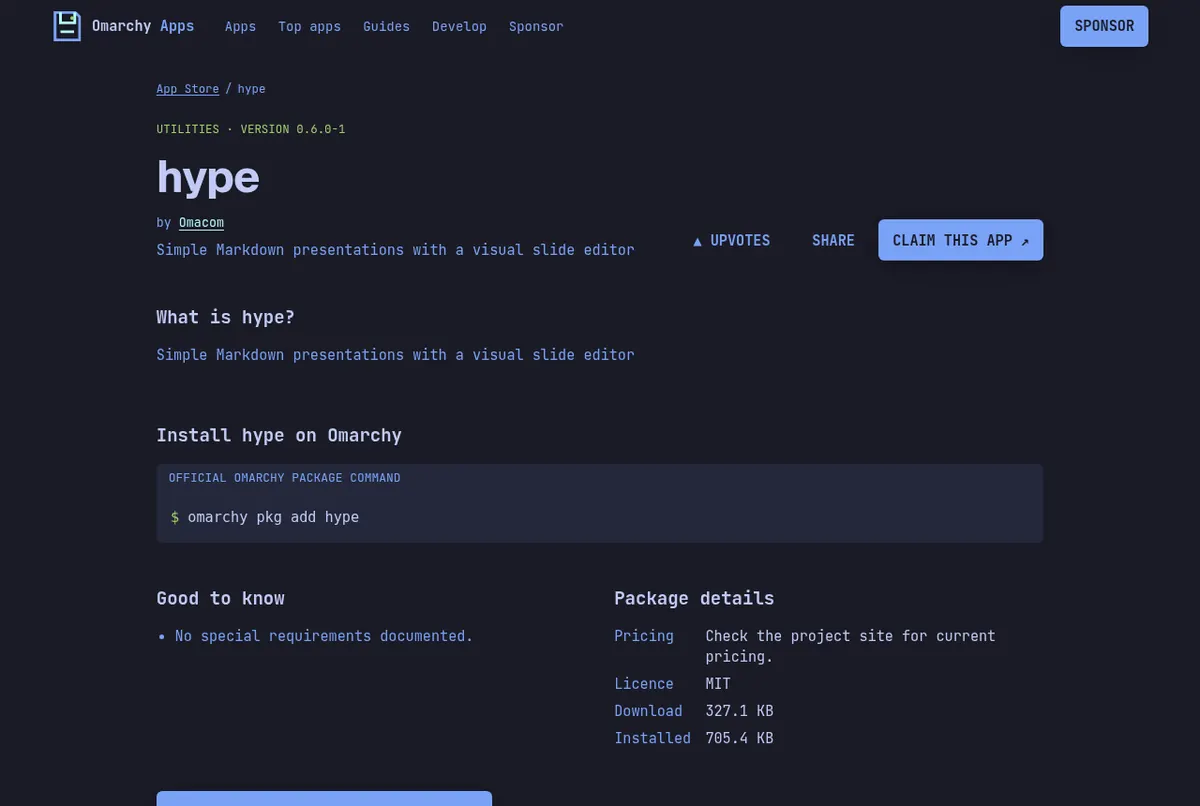
Screenshots: the hype page on this store.
2. Omapresent: a real presenter view
Omapresent turns a plain Markdown file into a deck. Paragraph text becomes speaker notes. Its present mode sends the audience view full screen to an external monitor and gives you a presenter screen with notes, a timer, a clock and the next slide. It exports PDFs with Ctrl + E.
omarchy pkg add omapresent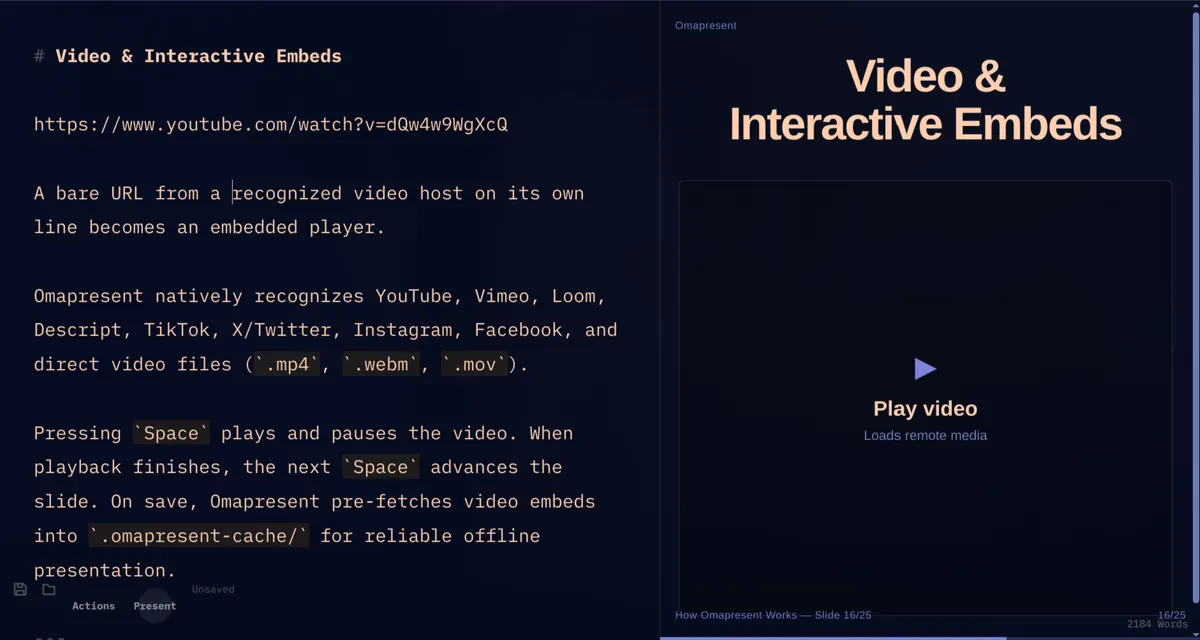
Screenshot from the jethrojones/omapresent repository (MIT).
3. LibreOffice Impress: for .pptx files
Omarchy preinstalls LibreOffice, which the manual describes as compatible with Microsoft Office files. When a coworker sends a deck to fix, open it in Impress. When you need PowerPoint itself, PowerPoint for the web runs in your browser, and you can save it as an Omarchy web app with Install, then Web App, in the menu.
Open the Hype package
Current version, license and the exact install command.
Read next
Frequently asked questions
Is there a free PowerPoint for Linux?
Microsoft says PowerPoint for the web is free for anyone in a browser. On Omarchy you also have Hype, Omapresent and LibreOffice Impress, all free.
Can I export a PowerPoint file from Hype?
Yes. Press Ctrl+Shift+E or choose Export as PowerPoint. The slides keep their look but are stored as images, so text is not editable in PowerPoint.
How do I open a .pptx file on Omarchy?
Use LibreOffice Impress, which Omarchy preinstalls. The Omarchy manual describes LibreOffice as compatible with Microsoft Office files.
Which app gives me speaker notes and a timer?
Omapresent. Its present mode shows notes, a timer, a clock and the next slide on your screen while the audience sees the slides.
Sources
- omacom/hype README
- jethrojones/omapresent README
- Omarchy manual: GUIs (LibreOffice, Hype)
- Omarchy manual: Web apps
- Microsoft PowerPoint page
Facts, prices and requirements checked against the sources above on October 19, 2026. Vendor prices can change. Store screenshots were taken from this site; project screenshots are credited to their repositories. An independent community project, not affiliated with or endorsed by Omacom or David Heinemeier Hansson. Built with David's blessing.