
Short answer
After installing Omarchy on an older Mac: set display scaling to 1x if the screen is not Retina, run Remove > Preinstalls to clear extras you will not use, check the drive with omarchy disk speedtest, and use disktree and a task manager to find what fills the disk or uses the CPU.
1. Fix scaling on non-Retina screens
Omarchy assumes a 2x high-resolution display. Older MacBook Airs and many external monitors are 1x, so apps can look oversized. The troubleshooting page has the fix: in ~/.config/hypr/monitors.lua change local omarchy_gdk_scale = 2 to 1, then restart the oversized apps. Super + / steps through monitor scaling options.
2. Remove what you will not use
Omarchy ships extras like Obsidian, LibreOffice, web apps and TUIs. To sweep them all out at once, run Remove > Preinstalls. To pick one by one, run Remove > Package, mark with Tab and confirm with Return. The hotkeys for removed apps go away too.
3. Check the disk and free space
omarchy disk speedtestThen see what fills the drive with disktree, a disk space treemap for Omarchy that lets you mark what should go and remove it.
omarchy pkg add disktree-bin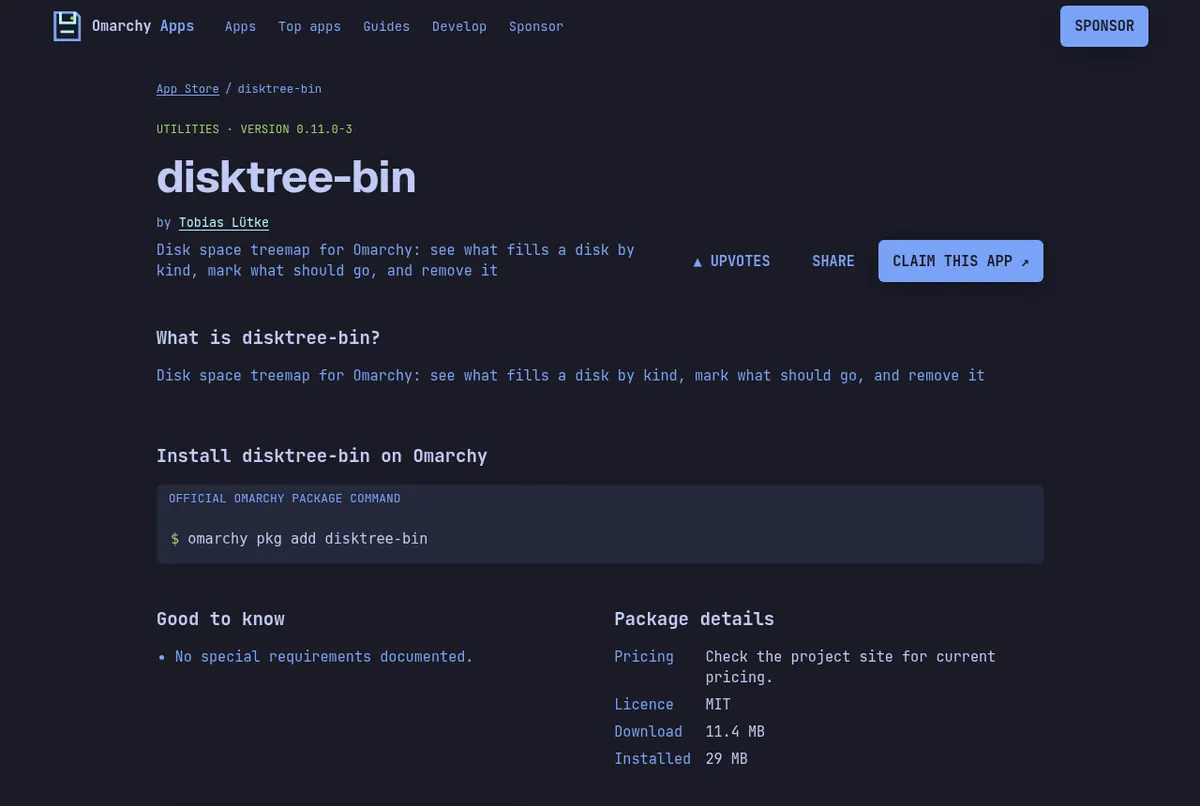
Screenshots: the disktree-bin page on this store.
4. See what is using the CPU
Omarchy Task Manager is a floating native task manager. TMOG shows CPU, GPU, memory, storage and network. Pick lighter tools where they fit, such as cliamp for music in the terminal, or flea as a fast file manager.
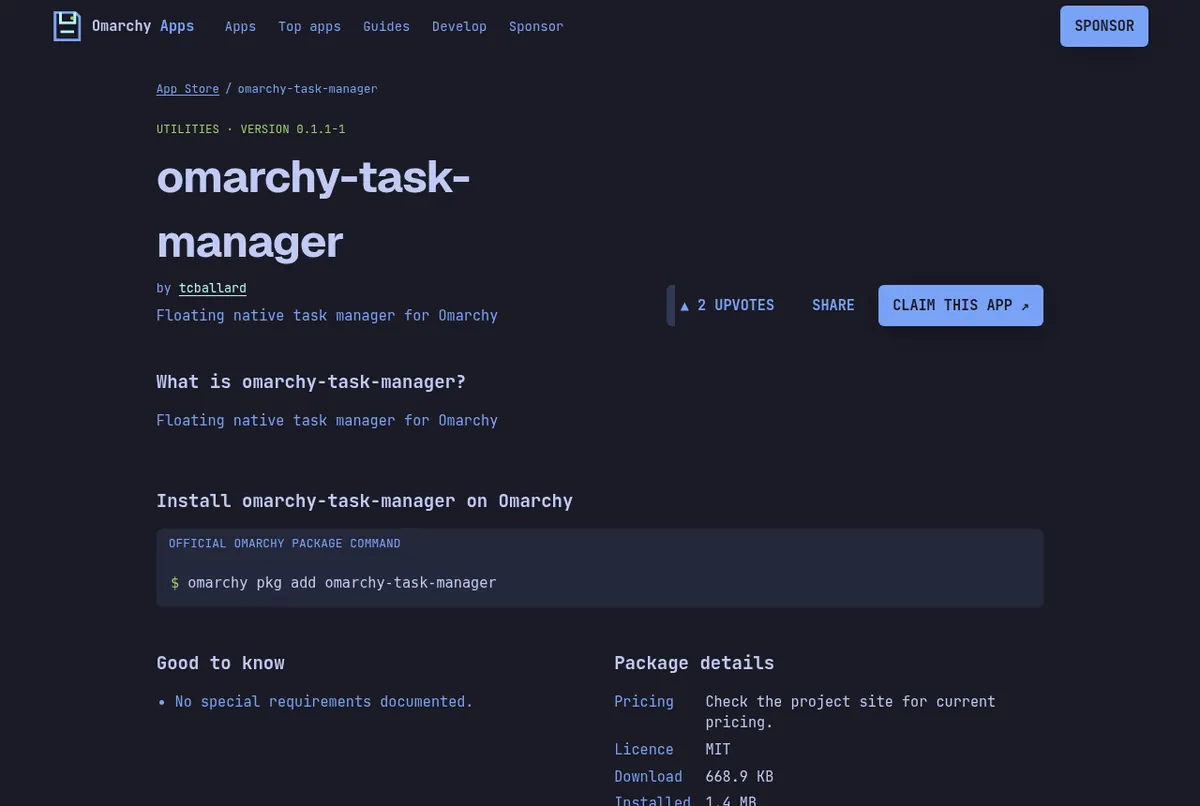
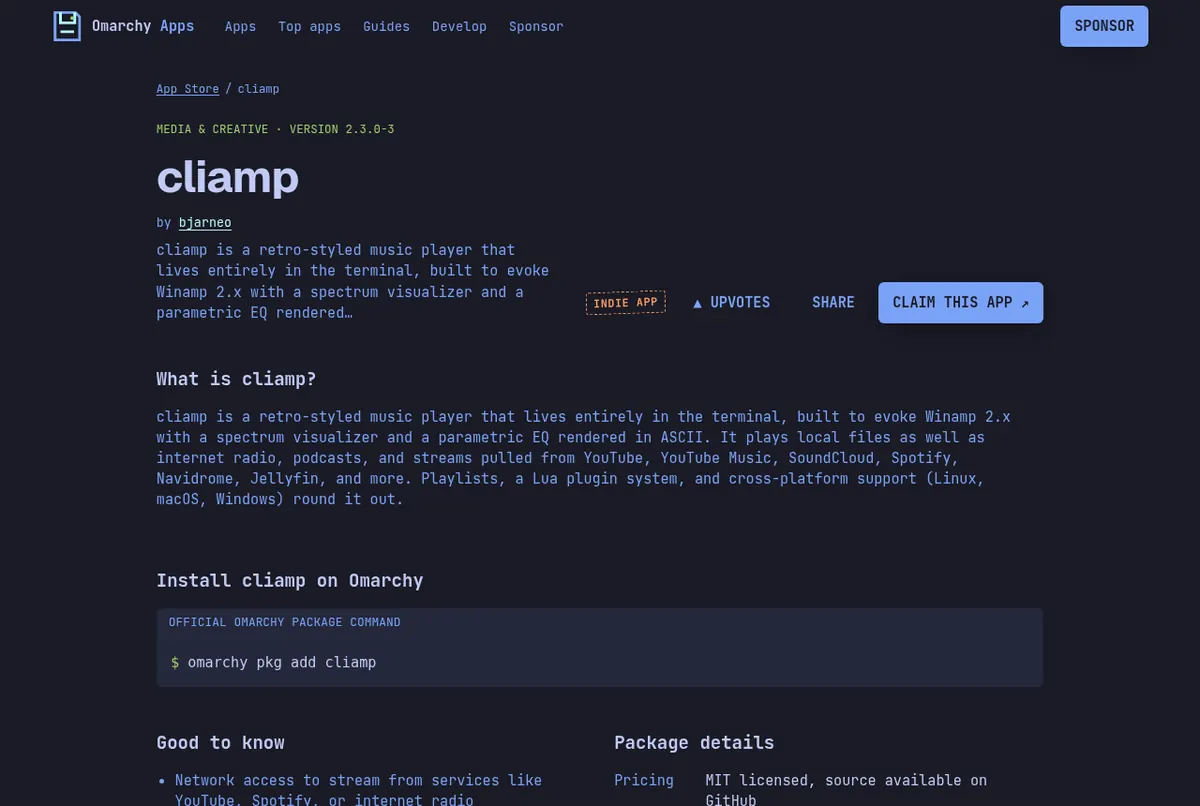
Screenshots: the omarchy-task-manager page on this store, the cliamp page on this store.
5. Keep it healthy
Update through Update > Omarchy, which takes a snapshot first, rather than running pacman -Syu directly. If an update ever breaks something, boot the previous snapshot from the Limine menu. If something glitches after sleep, Update > Hardware restarts Wi-Fi, Bluetooth, audio or the trackpad on its own.
Video by Midnight Linux on YouTube. It loads from youtube-nocookie.com only after you press play.
Read next
Frequently asked questions
Why do apps look huge on my old Mac?
Omarchy assumes a 2x display. On a 1x screen, change local omarchy_gdk_scale = 2 to 1 in ~/.config/hypr/monitors.lua and restart the app.
How do I remove preinstalled apps on Omarchy?
Run Remove > Preinstalls from the Omarchy menu to clear all extras at once, or Remove > Package to pick individual packages.
How do I test my disk speed?
Run omarchy disk speedtest in a terminal, or use Trigger > Speed Test > Disk Speed Test in the menu.
Is Omarchy faster than macOS on an old Mac?
The Omarchy manual reports a 36% performance gain on a 2019 MacBook Pro in a simple test. Results depend on the machine.
Sources
- Omarchy manual: Troubleshooting (scaling, hardware restarts)
- Omarchy manual: FAQ (Remove > Preinstalls, disk speed test)
- Omarchy manual: Updates
- Omarchy manual: Mac support
Facts, prices and requirements checked against the sources above on October 19, 2026. Vendor prices can change. Store screenshots were taken from this site; project screenshots are credited to their repositories. An independent community project, not affiliated with or endorsed by Omacom or David Heinemeier Hansson. Built with David's blessing.