
Short answer
Omarchy says even a 2011 ThinkPad X220 with 2GB of RAM can run it with room to spare. Write the ISO to a USB stick, turn off Secure Boot and TPM in the BIOS, boot the stick and install. The install should take no more than 5 minutes on an older computer. Press Ctrl+C on the first screen instead if you want to prepare the machine for a new owner.
Will it run on my old machine?
omarchy.org puts it plainly: even a 2011 ThinkPad X220 with 2GB of RAM can run Omarchy, with room to spare. Omarchy has a page called Runs great on ancient hardware that shows it on that laptop. NVIDIA drivers are set up during install if you have an NVIDIA card.
Prepare the BIOS
- Turn off Secure Boot and/or TPM. Getting Started says you have to.
- Turn on virtualization (often called VT-x, AMD-V or SVM) if you want the Windows VM later. The Windows VM installer tells you if KVM is off.
- Use a wired or 2.4GHz keyboard for setup so you can type the encryption password at boot.
Install
- Write the ISO with balenaEtcher (Mac or Windows) or caligula (Linux).
- Boot from the stick using your PC's boot menu key.
- Answer the questions, pick the drive, and wait. Getting Started says it should not take more than 5 minutes even on an older computer.
Full-disk install wipes the drive. To keep Windows on it, use the dual boot guide instead.
Video by LinuxBTW on YouTube. It loads from youtube-nocookie.com only after you press play.
Make it pleasant
Most older laptop screens are 1x, so set local omarchy_gdk_scale = 1 in ~/.config/hypr/monitors.lua. Clear extras with Remove > Preinstalls. Find space hogs with disktree. Prefer light apps like flea for files and cliamp for music. More in the tune-up checklist.
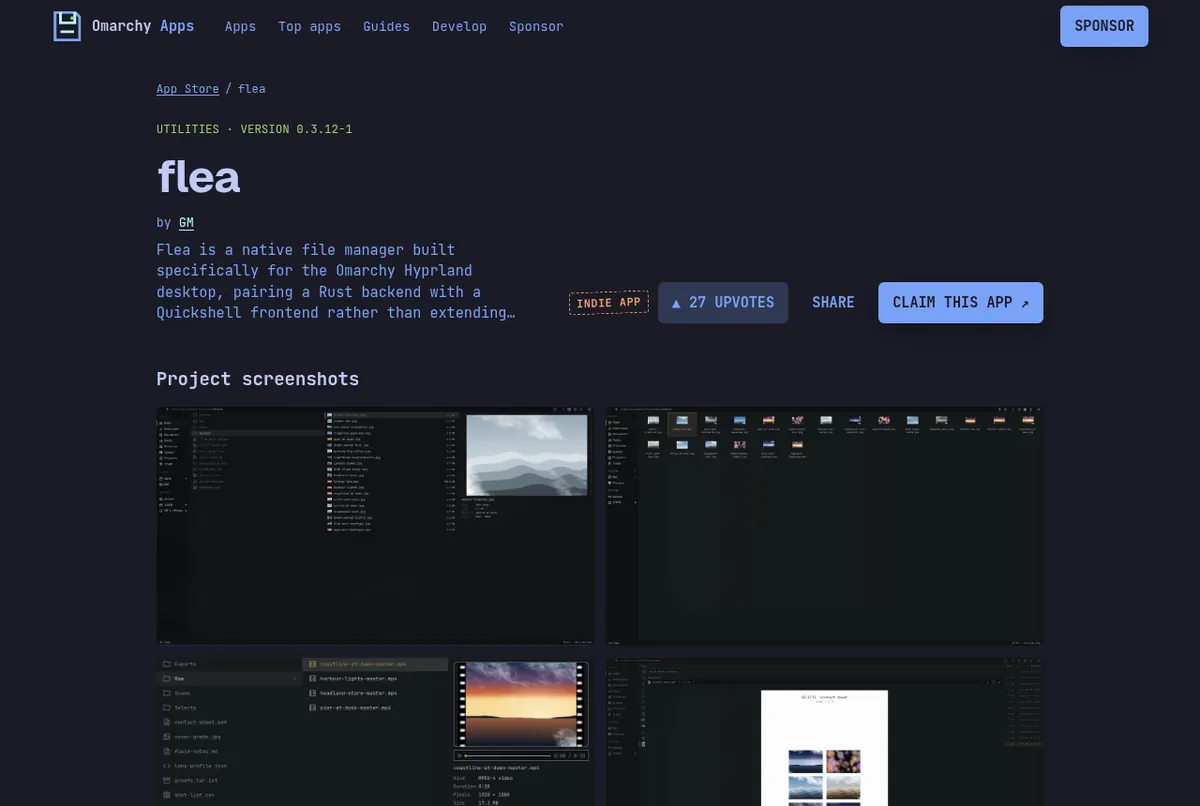
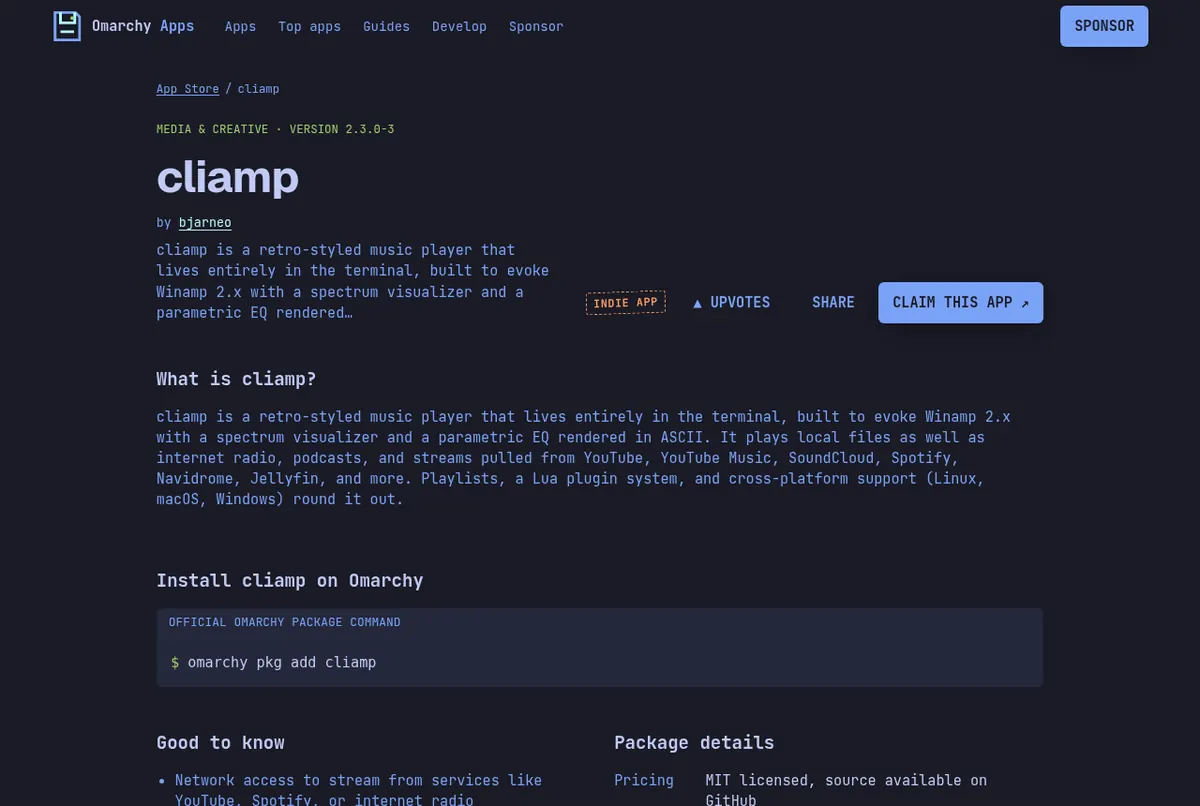
Screenshots: the flea page on this store, the cliamp page on this store.
Giving the laptop away?
The Getting Started guide has a neat trick: press Ctrl + C on the installer's first screen to prepare the machine for another owner, so they answer the setup questions themselves.
Read next
Frequently asked questions
Can Omarchy run on 2GB of RAM?
omarchy.org says even a 2011 ThinkPad X220 with 2GB of RAM can run Omarchy with room to spare.
Do I need to change BIOS settings?
Yes. Turn off Secure Boot and/or TPM. Getting Started says you have to do this to install Omarchy.
How long does Omarchy take to install on an old PC?
The Getting Started guide says it should not take more than 5 minutes even on an older computer.
Can I set up an old laptop for someone else?
Yes. Press Ctrl+C on the installer's first screen to prepare the machine for another owner.
Sources
- omarchy.org (Potato PCs, NVIDIA drivers)
- omarchy.org/potato: Runs great on ancient hardware
- Omarchy manual: Getting started
- Omarchy manual: Windows VM (KVM)
- Omarchy manual: Troubleshooting (scaling)
Facts, prices and requirements checked against the sources above on October 19, 2026. Vendor prices can change. Store screenshots were taken from this site; project screenshots are credited to their repositories. An independent community project, not affiliated with or endorsed by Omacom or David Heinemeier Hansson. Built with David's blessing.