
Short answer
Most of your library comes along. On Omarchy, open Install > Gaming to add Steam, Battle.net, Heroic for Epic, GOG and Amazon, Lutris for EA and Ubisoft, Minecraft, Xbox Cloud Gaming and GeForce NOW. Games that need anti-cheat, like Fortnite, can be played through cloud gaming or streamed from a Windows PC with Moonlight.
Where each Windows launcher goes
| On Windows you used | On Omarchy use | Notes from the manual |
|---|---|---|
| Steam | Install > Gaming > Steam | Proton runs tens of thousands of Windows games. Steam can take 10 to 20 seconds to start with no visual feedback. |
| Battle.net | Install > Gaming > Battle.net | Diablo, StarCraft and World of Warcraft run under GE-Proton, no Steam needed |
| Epic, GOG, Amazon | Install > Gaming > Heroic (Epic Games) | Only Epic games that do not rely on anti-cheat, so no Fortnite or Rocket League |
| EA app, Ubisoft Connect | Install > Gaming > Lutris | Installs can look stalled. Give them time. |
| Xbox Game Pass | Install > Gaming > Xbox Cloud Gaming | Web app, runs at 1080p, includes titles that do not run natively |
| GeForce NOW | Install > Gaming > NVIDIA GeForce NOW | Cloud play for titles not available on Linux |
| Minecraft | Install > Gaming > Minecraft | First start can be slow with no feedback |
| Emulators | Install > Gaming > RetroArch | Preconfigured with the CRT Royale shader. ROMs go in ~/Games/roms. |
Put every launcher in one place
Omakade is a game library for Omarchy that gathers what you have installed across Steam, Lutris, Heroic, RetroArch, Battle.net and more into one cover-art view. Heroic has its own page too, and the Minecraft Launcher page explains what you need to buy to play.
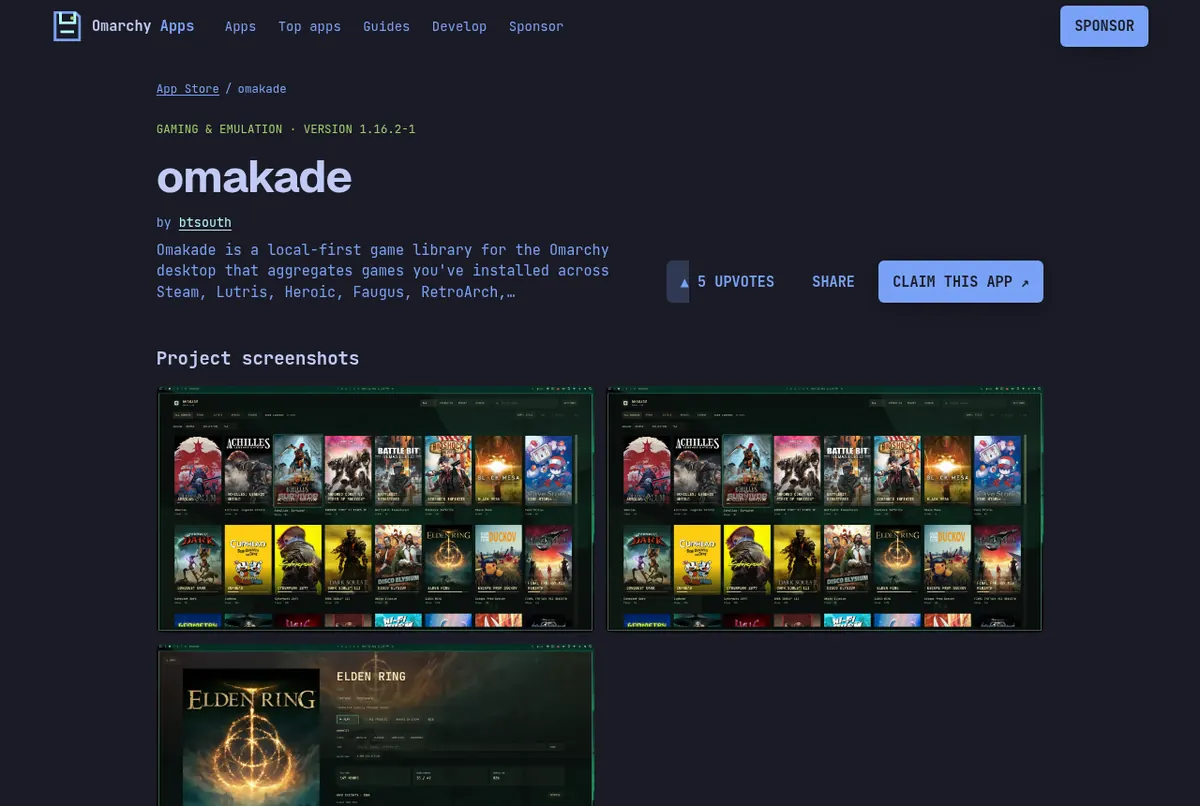
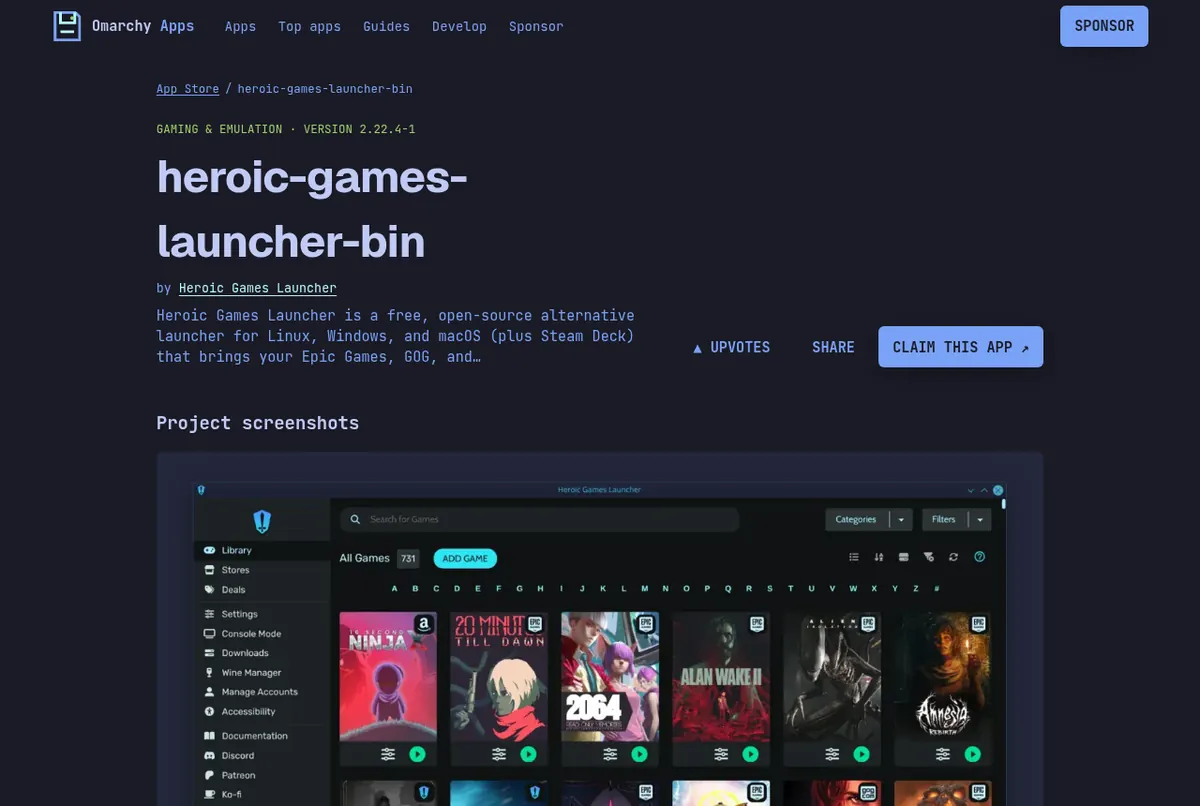
Screenshots: the omakade page on this store, the heroic-games-launcher-bin page on this store.
Keep the Windows PC as a game server
If a game will not run on Linux, you do not have to give it up. Omarchy preinstalls Moonlight, so you can stream from a Windows PC running Sunshine. The manual says that when both machines are wired, it feels like playing locally, and suggests native resolution, 120Hz and maximum bitrate. Pair Xbox controllers over Bluetooth after Install > Gaming > Xbox Controllers.
Video by NetworkChuck on YouTube. Starts at the gaming chapter (20:12). It loads from youtube-nocookie.com only after you press play.
Read next
Frequently asked questions
Can I play Steam games on Omarchy?
Yes. Install Steam from Install > Gaming > Steam. Valve's Proton layer runs tens of thousands of Windows games on Linux.
Does Fortnite work on Omarchy?
Not natively. The manual suggests Xbox Cloud Gaming or GeForce NOW, or streaming from a Windows PC with Moonlight and Sunshine.
How do I play Epic Games Store games?
Install Heroic from Install > Gaming. It runs Epic titles that do not rely on anti-cheat, plus GOG and Amazon Prime Gaming games.
Do Xbox controllers work?
Yes. Add support with Install > Gaming > Xbox Controllers, then pair over Bluetooth with Super+Ctrl+B. Wired USB-C controllers need nothing extra.
Are NVIDIA drivers set up?
Yes. omarchy.org says NVIDIA drivers are set up during install.
Sources
Facts, prices and requirements checked against the sources above on October 19, 2026. Vendor prices can change. Store screenshots were taken from this site; project screenshots are credited to their repositories. An independent community project, not affiliated with or endorsed by Omacom or David Heinemeier Hansson. Built with David's blessing.